15
OPERATION (CONTINUED)
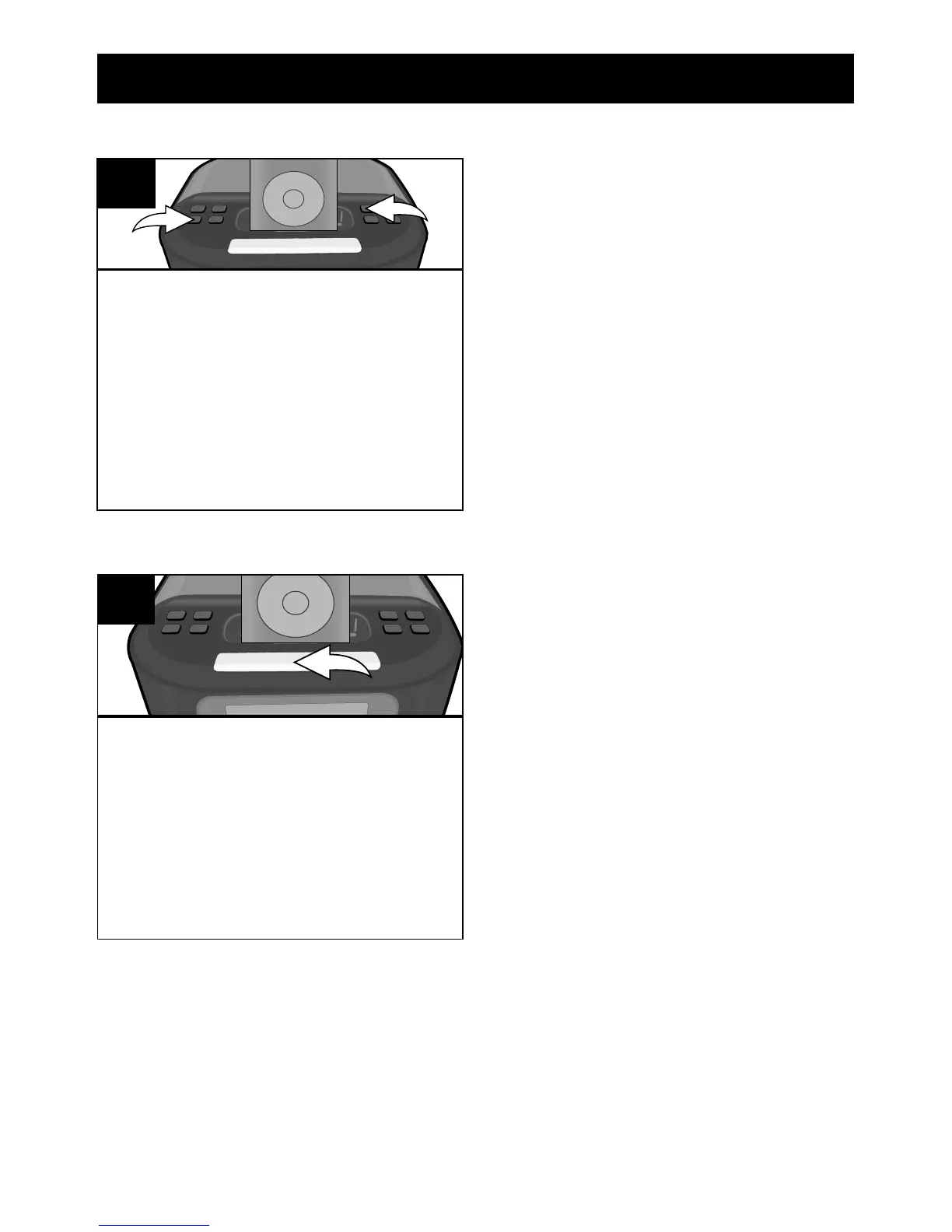
Press the Power button 1 or
ALARM button 2 and the alarm
will turn off and be set for the next
day. To NOT set the alarm for the
next day, press the ALARM button
2 repeatedly to select Alarm Off
(no indicator in the display).
1
2
1
TO SHUT THE ALARM OFF
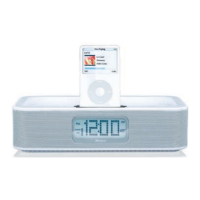
While the alarm is sounding,
press the SNOOZE/DIMMER
button; the SNOOZE indicator will
blink in the display. The alarm will
turn back on automatically ten
minutes later until the SNOOZE
function is cancelled.
1
SNOOZE
NOTE:
• To cancel the SNOOZE function (the alarm will not turn back on),
press the ALARM button–the SNOOZE indicator will disappear from
the display–and repeatedly press to select between Alarm On for
Buzzer or iPod (alarm will be set for next day) or Alarm Off (alarm
will not be set for the next day).


 To Next Page