14
SETTING THE MENUS (CONTINUED)
Press the VOLUME Up 1 or Down 2 button to set the
current hour. Press the CHANNEL Down button 3 to move
the cursor to the next setting. Repeat to set the minute
(“--”) and the AM/PM option (“AM”).
MUTE
Q
.VIEW INFO
INPUT
S
AP P.MODE
-
MENU
CH-
CH+
VOL
-
VOL
+
CC SLEEP
GUIDE
FAV.L IST
ARC
CH.LIST
EXIT
0
1
3
2
ENTER
3
When done, press the EXIT button to exit the menus.
MUTE
Q.VIEW INFO
INPUT
S
AP P.MODE
-
MENU
CH-
CH+
VOL
-
VOL
+
CC SLEEP
GUIDE
FAV.L IST
ARC
CH.LIST
EXIT
0
ENTER
4
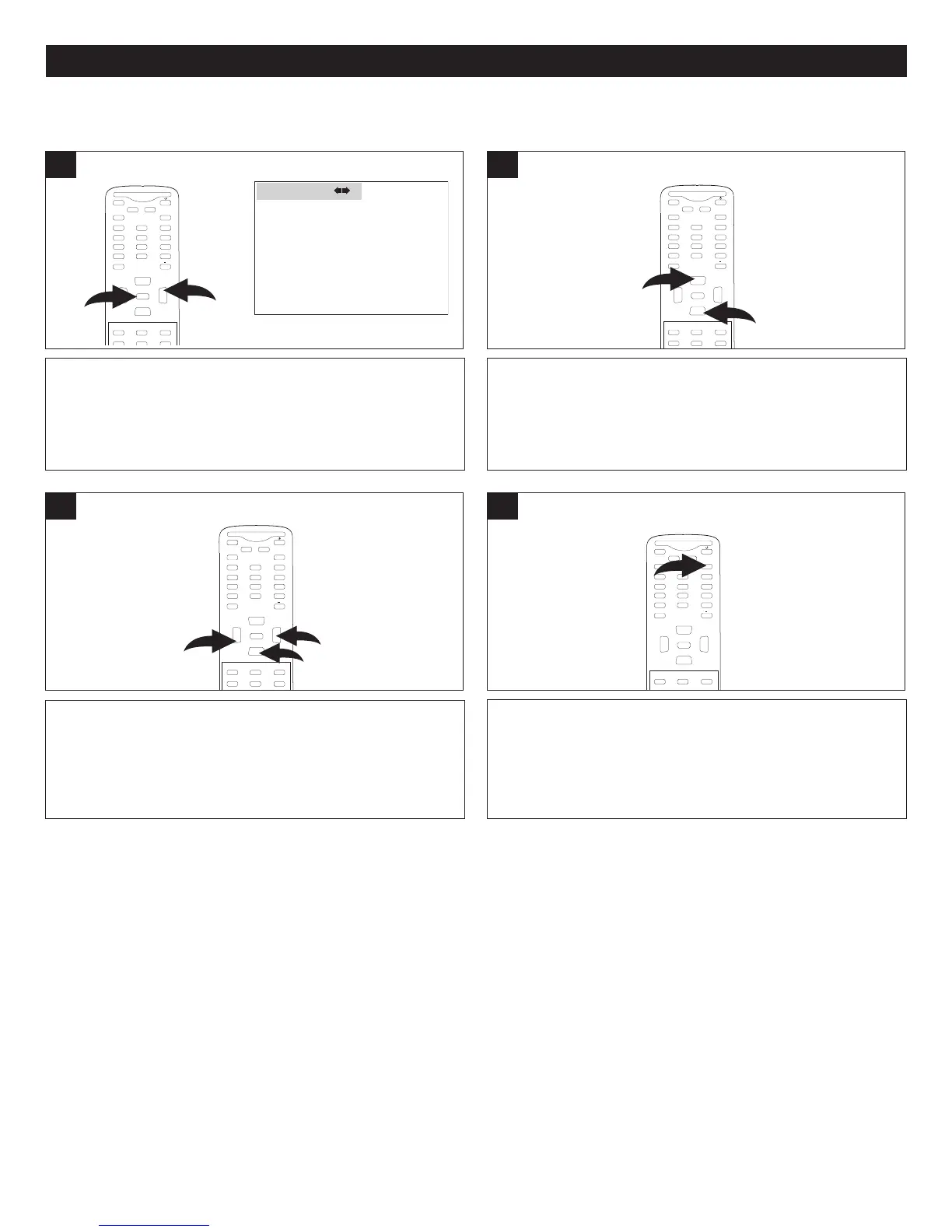
TIMER SETUP MENU:
With the TV on, press the MENU button 1; the Video menu
will appear. Press the VOLUME Up button 2 to select the
Time menu.
T
IME 02:06 AM
T
IMER ON - - : - - AM
T
IMER OFF - - : - - AM
D
AYLIGHT SAVINGS OFF
T
IME ZONE MOUNTAIN
TIME
1
M
UTE
Q.VIEW INFO
INPUT
SAP P.MODE
-
M
ENU
CH-
CH+
VOL
-
VOL
+
CC SLEEP
GUIDE
F
AV.L IST
ARC
CH.LIST
E
0
2
1
ENTER
Press the CHANNEL Up 1 or Down 2 button until TIME is
selected; then press the CHANNEL Up 1 or Down 2 button
until the hour (“--”) is selected.
MUTE
Q.VIEW INFO
INPUT
S
AP P.MODE
-
MENU
CH-
CH+
VOL
-
VOL
+
CC SLEEP
GUIDE
FAV.L IST
ARC
CH.LIST
E
0
1
2
ENTER
2
SETTING THE CLOCK



 To Next Page