32
TV PARENTAL CONTROL (CONTINUED)
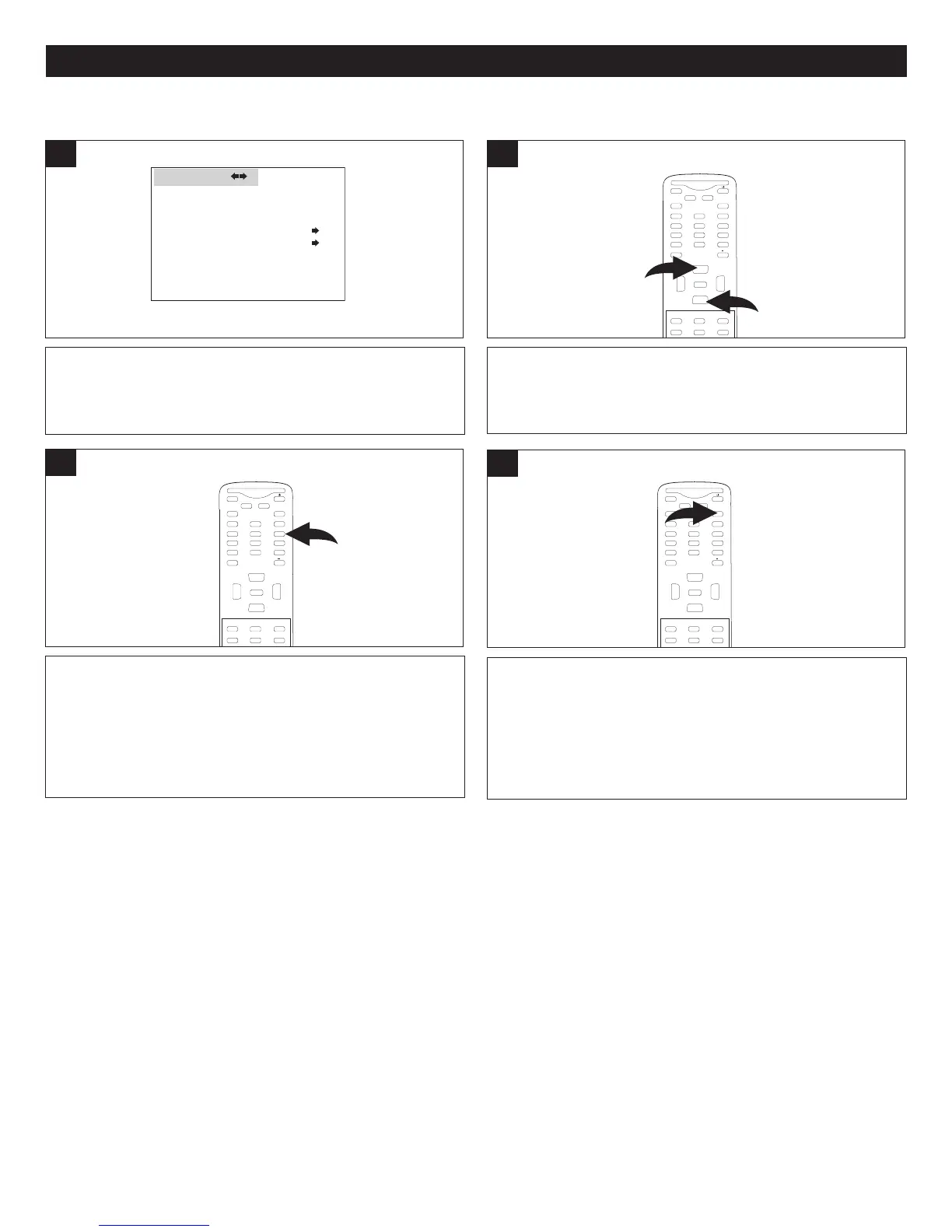
To change the password for the Parental Lock described
on the preceding pages, enter the Parental Lock submenu
as described on page 27 (Steps 1-3).
LANGUAGE ENGLISH
BLUE SCREEN ON
NTSC CAPTION OFF
DTV CAPTION
PARENTAL LOCK
F
UNCTION
1
Press the CHANNEL Up 1 or Down 2 button until CHANGE
PASSWORD is selected.
MUTE
Q.VIEW INFO
INPUT
SAP P.MODE
-
MENU
CH-
C
H+
VOL
-
VOL
+
C
CSLEEP
GUIDE
FAV.L IST
ARC
CH.LIST
E
0
1
2
ENTER
2
TO CHANGE THE PASSWORD
Enter a new 4-digit password using the Number (0-9)
buttons.
MUTE
Q.VIEW INFO
INPUT
SAP P.MODE
-
MENU
CH-
C
H+
VOL
-
VOL
+
C
CSLEEP
GUIDE
FAV.L IST
A
RC
C
H.LIST
EXIT
0
ENTER
3
When finished, press the Exit button to exit the menus.
MUTE
Q.VIEW INFO
I
NPUT
SAP P.MODE
-
M
ENU
CH-
CH+
VOL
-
VOL
+
CC SLEEP
GUIDE
FAV.L IST
ARC
CH.LIST
EXIT
0
ENTER
3



 To Next Page