33
Function Setup
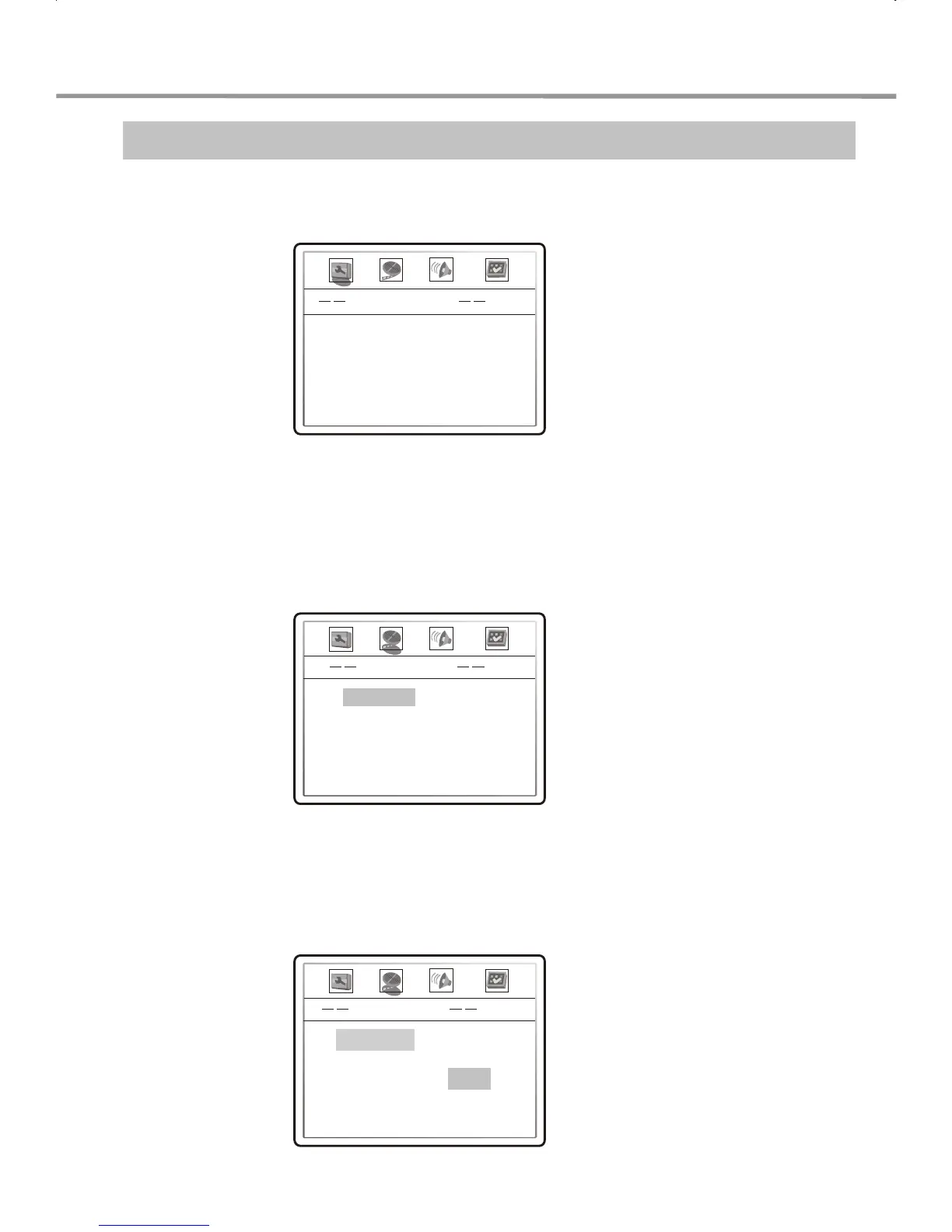
1. Press SETUP. The TV screen displays:
2. Press the LEFT/RIGHT arrow to select the desired function to be changed.
For example, if you want to set up this player's video, please press LEFT/RIGHT arrows to
select VIDEO SETUP PAGE. Press SELECT to display the options. The video setup page
is displayed on the screen as shown below:
Video Setup Page
3. Press UP/DOWN arrow to select the desired item you want to set and press
SELECT.
For example, press UP/DOWN arrows to select SHARPNESS and press SELECT. The
sharpness options appear on the screen.
General Setup Page
TV Display Wide
OSD Lang English
Screen Saver On
LOW
00
00
00
00
FUNCTION SETUP
Video Setup Page
Sharpness
Brightness
Contrast
Hue
Saturation
High
Medium
Low
Sharpness
Brightness
Contrast
Hue
Saturation


 To Next Page