35
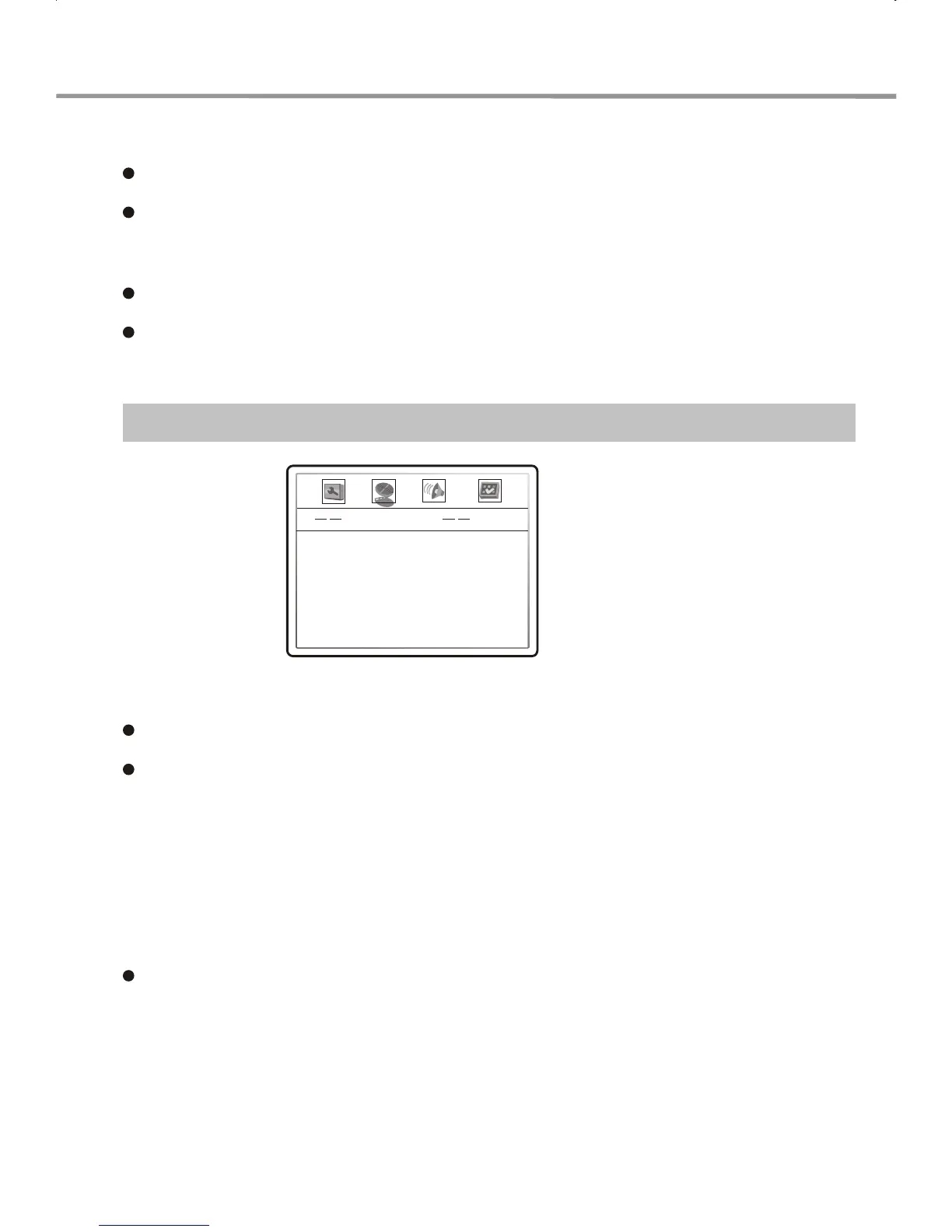
Video Setup
1. Sharpness: Used to set the sharpness of video output.
OPTIONS: High, Medium, Low.
Default: Low.
2. Brightness: Used to set the brightness of video output.
Brightness, contrast, chroma and saturation adjustment:
3. Contrast: Used to set the contrast of video output.
5. Saturation: Used to set the saturation of video output.
4. HUE: Used to set the chroma of video output.
A. Press UP/DOWN arrow in the video setup menu to select the desired item you want to
adjust. Press SELECT button to change the item's current setting.
B. Press LEFT/RIGHT arrow to adjust the setting value (LEFT decrease, RIGHT increase).
C. After finishing your adjustment, press SELECT to return to the video setup menu.
2. OSD Lang: This item is used to set the language used on the screen prompts.
Optional settings: ENGLISH, FRENCH, SPANISH.
Default: ENGLISH.
3. Screen saver: Turn the screen saver function on or off.
Optional settings: OFF, ON
Default: ON
Video Setup Page
Sharpness
Brightness
Contrast
Hue
Saturation
Low
00
00
00
00
FUNCTION SETUP



 To Next Page