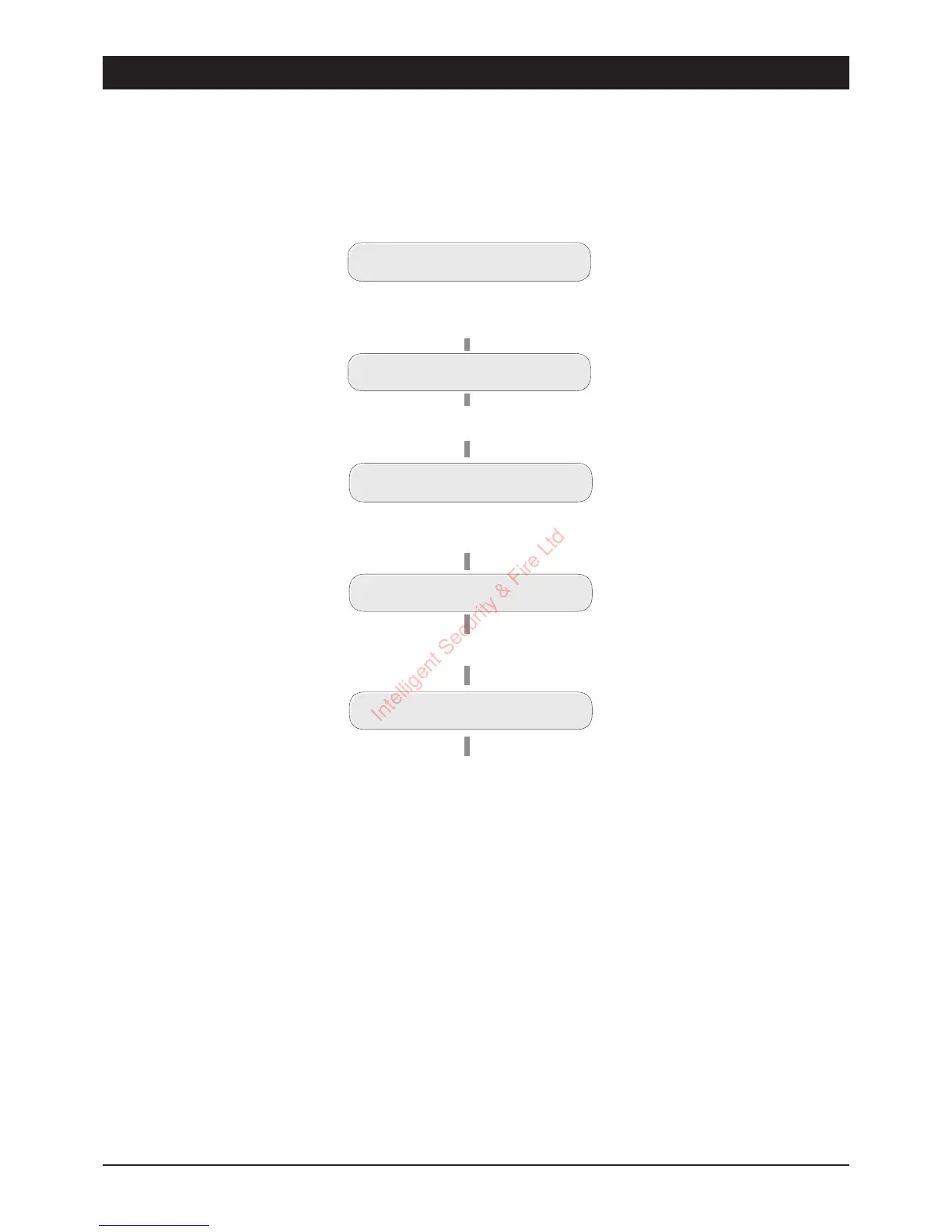
Change Passcode 2 (key
6
)
This option allows `User 1' to change the second user passcode.
13
TSD402 User Manual User Options
UNSET
Enter first 3 digits of Passcode then
[
(e.g. ,
5 6 7 [
)
USER OPTION -
Press
6
for Passcode 2
Change Passcode 2
PASSCODE 2 ----
Enter new pascode
( e.g.,
7 8 9 0
)
PASSCODE 2 7890
Press
[
to accept.
UNSET
A two-sound in dicates acceptance,
a single low tone indicates that the
passc ode is not available.
Repeat again trying a different
four digit number.
Intelligent Security & Fire Ltd



 To Next Page