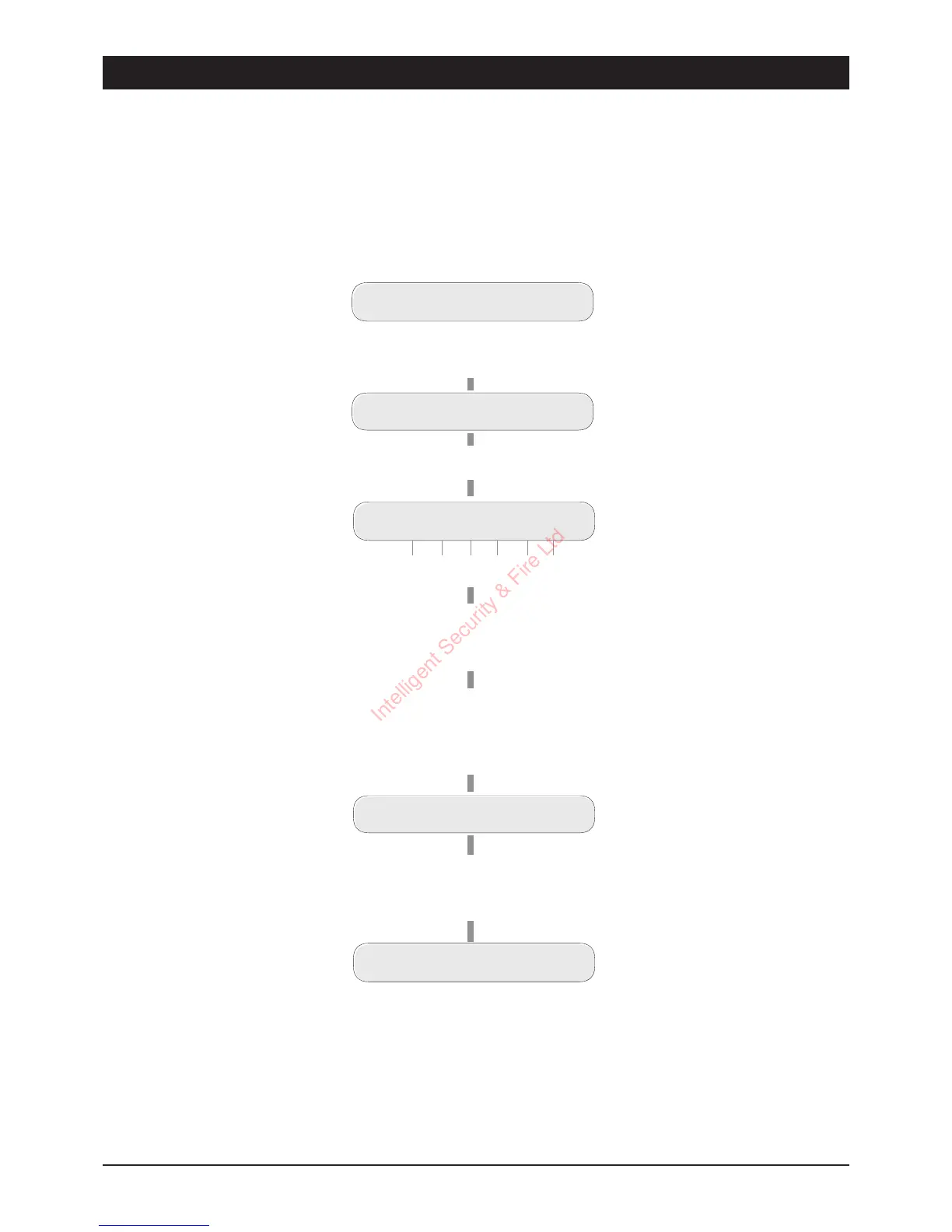
Home Area Configuration (key
7
)
This option allows `User 1' to select which zones will be omitted when the part-set (HOME) is
selected. Only zones that are programmed by the alarm company as `Night' or `Access' may be
omitted.
14
User Options TSD402 User Manual
UNSET
Enter first 3 digits of Passcode then
[
(e.g. ,
5 6 7 [
)
USER OPTION -
Press
7
for Home Area
Home Area
U7- O A A A A A
Zone - 1 2 3 4 5
F/Exit
When t he display shows the
required setting, press
[
to
accept.
UNSET
The display shows which zones
are Omitted (O) and Armed (A)
for the Home Are a Configuration.
U7- A O A A A
Press keys 1 to 6 to toggle zones
between Omitted (O) and Armed (A).
(e.g. , press
1
to make zone 1
armed and
2
to make zone 2 omitted).
Intelligent Security & Fire Ltd



 To Next Page