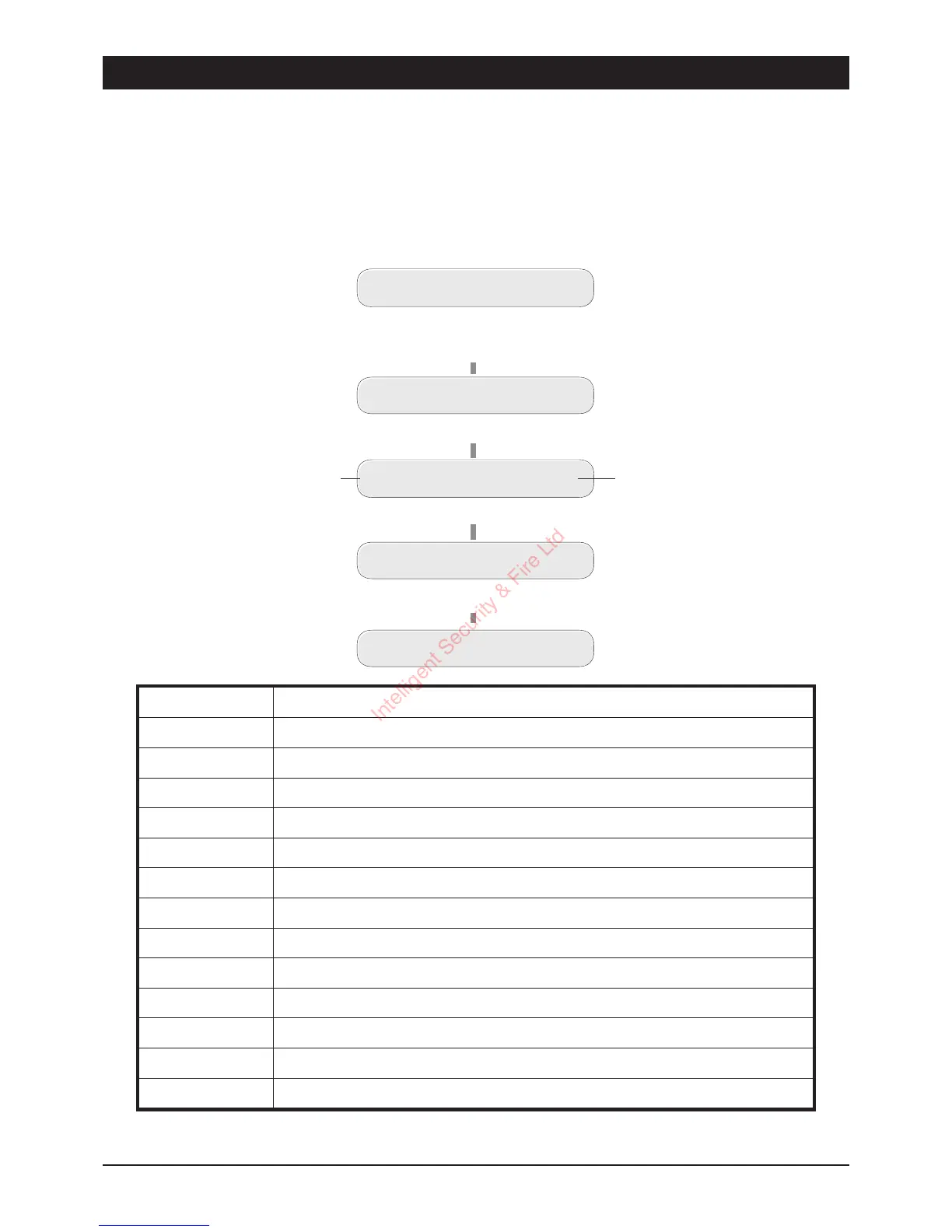
View Event Log (key
9
)
The TSD402 will store up to 64 events within the memory log. When this option is selected the
most recent event is displayed first. Pressing the [ key takes you backwards through the Log and
pressing the ] key abandons the View Log option. Table 1 shows event log descriptions.
Display Description
ACOFF
Mains power removed.
ACON
Mains power restored.
AUPLTA
Auxiliary or panel lid tampe r alarm.
BATTFLT
Battery fault.
CCTAL-
Full alarm from zone 1 - 5 ( F =Final Exit when system is part-set).
CODETA
Code Tamper (4 incorrect passcode entries).
ENTRYTO
Entry timed- out ( system not unset after activating F/Exit zone).
FIREAL
Fire Alarm activated.
SETA
AWAY set (Full).
SETFAIL
System failed to set.
SETH
HOME set (part-set).
USER-
User 1 or 2 passcode entered(User 3 = Keyswitch).
--------
No Event
Table 1 Log Event Codes and Descriptions
24
User Options TSD402 User Manual
UNSET
Enter first 3 digits of Passcode then
[
(e.g. ,
5 6 7 [
)
USER OPTION -
Press
9
for View Log
View Log
UNSET 000
Press
]
to abandon
UNSET
Event No.
Event Description
Press
[
for next event
USER 1 001
Intelligent Security & Fire Ltd



 To Next Page