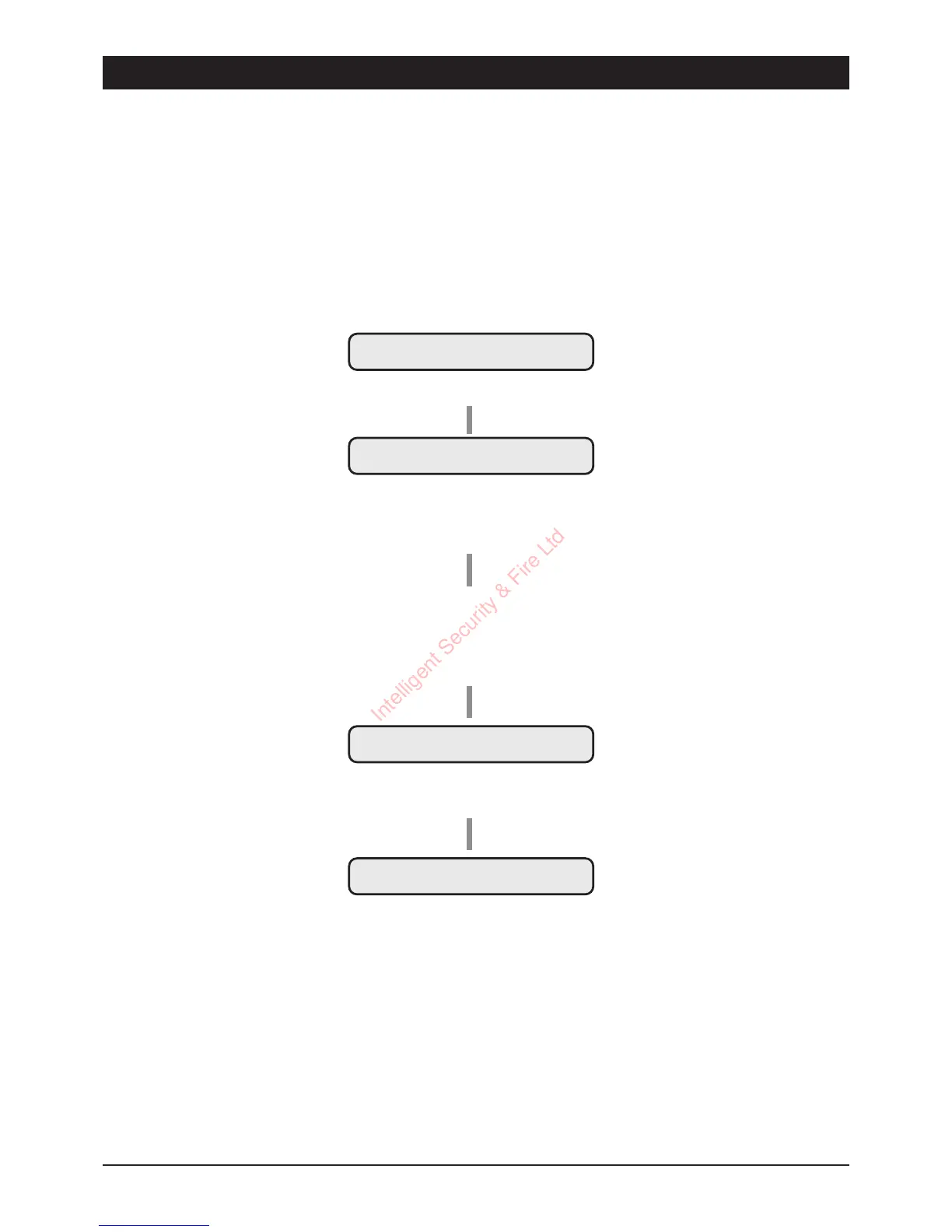
Changing Chime Zones
When a zone is programmed as `Chime' it will generate a two-tone sound from the internal
sounders when activated during the unset or part-set condition. This may be used as a courtesy
warning for a door being opened e.g., front or back door, or shop entrance door etc.
The zones that `Chime' may be selected by user 1 from the `User Options' menu (see User
Options) or by anyone using the `Quick Chime' setting procedure as shown below:
8
Operating the System TSD402 User Manual
UNSET
Enter
[ [
CH-
QuickChimeSetting
Thedisplayshowsthezonesthat
areprogrammedasChime(None
intheaboveexample).
UNSET
SystemisnowUnsetwithallzones
ProgramedtoChime.
CH=Chime
1=Zone1Chimes
2=Zone2Chimes
3=Zone3Chimes
4=Zone4Chimes
5=Zone5Chimes
F=FinalExitChimes
Press1-6totoggleChimezones
onandoff.
(e.g.,
1 2 3 456
toprogramall
zonesasChime).
CH- 1 2 3 4 5 F
Whenthedisplayshowsrequired
settingpress
[
toaccept.
Intelligent Security & Fire Ltd



 To Next Page