7
TSD402 User Manual Operating the System
CCT AL. 1
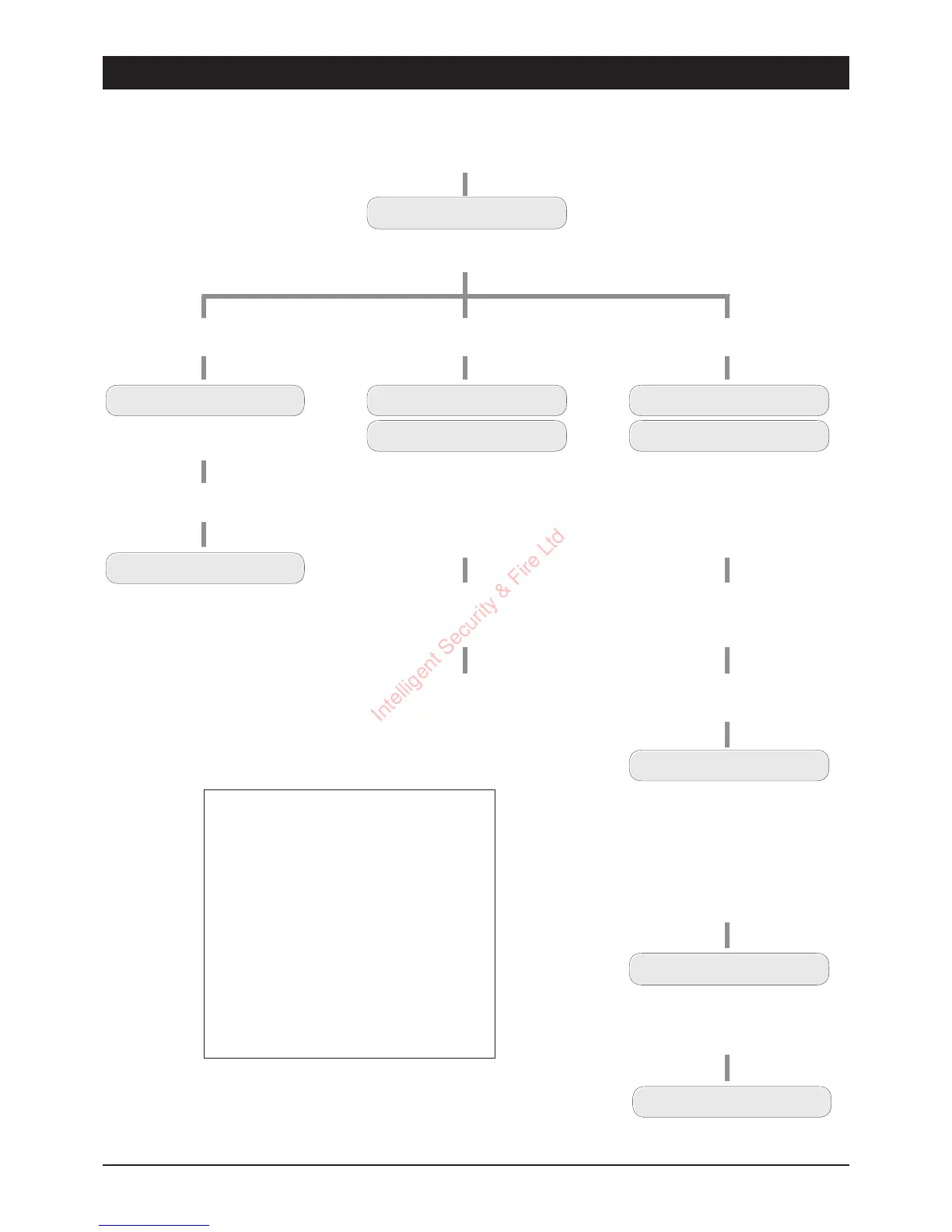
The display shows the zone
that caused the ala rm
User Reset
UNSET
The system is now reset
Enter your passcode
(e.g.,
5 6 7 8
)
CCT AL. 1
CALL ENGINEER
Engineer Reset
The display shows the zone that
caused the alarm and the Call
Engineer message. The internal
sounder `bleeps' every minu te
as a reminder that the system
requires an engineer r eset
Con tact the alarm comp any to
attend and reset your system
Enter your passcod e
(e.g.,
5 6 7 8
)
This will silence the `bleeps'.
Remote Reset
ENTER CODE 025
Enter via the prescribed entry r oute.
The entry tone will start and the
display shows th e remaining time.
Enter your passcode
(e.g.,
5 6 7 8
)
CCT AL. 1
CALL ENGINEER
Enter your passcode
(e.g.,
5 6 7 8
)
This will s ilence the `bleeps'.
Ent er you r passcode again
(e.g.,
5 6 7 8
)
RESET CODE 6846
Write down the 4 digit number.
Telepho ne the alarm company and
quote the number.
You will be asked to report the
circumstances of the alarm. If an
engineer is not required to attend
site, you will be given a four digit
`Remote Reset' code.
ENTER REPLY ----
Enter the `Remote Reset' code
then press
[
(e.g.,
9 5 4 7 [
)
UNSET
The system is now reset
The display shows the zone that
caused the alarm and the Ca ll
Engineer message. The in ternal
sounder `bleeps' every minute
as a reminder that the system
requires an engin eer r eset
Alarm Codes
CCT AL. 1 = Circuit Alarm Zon e 1
CCT AL. 2 = Circuit Alarm Zon e 2
CCT AL. 3 = Circuit Alarm Zon e 3
CCT AL. 4 = Circuit Alarm Zone 4
CCT AL. 5 = Circuit Alarm Zone 5
CCT AL. F = Circuit Alarm Final Exit
PA AL. = Personal Attack Alarm
FirE AL. = Fire Alarm
ENTRY TO = Entry Timed Out Alarm
Au PL TA = Auxiliary or Panel Lid Tamper
BAT. FLT. = Battery Fault A larm
CODE TA = Code Tamper Alarm
Intelligent Security & Fire Ltd



 To Next Page