Speech Dialler Programming (key
8
)
Thisoptionallows`User1'toprogramthe speechdialleroptions.Whenthisoptionisselected the
system willstayinthe`SpeechDialler'programmingmenu until the `User 1' passcode is entered.
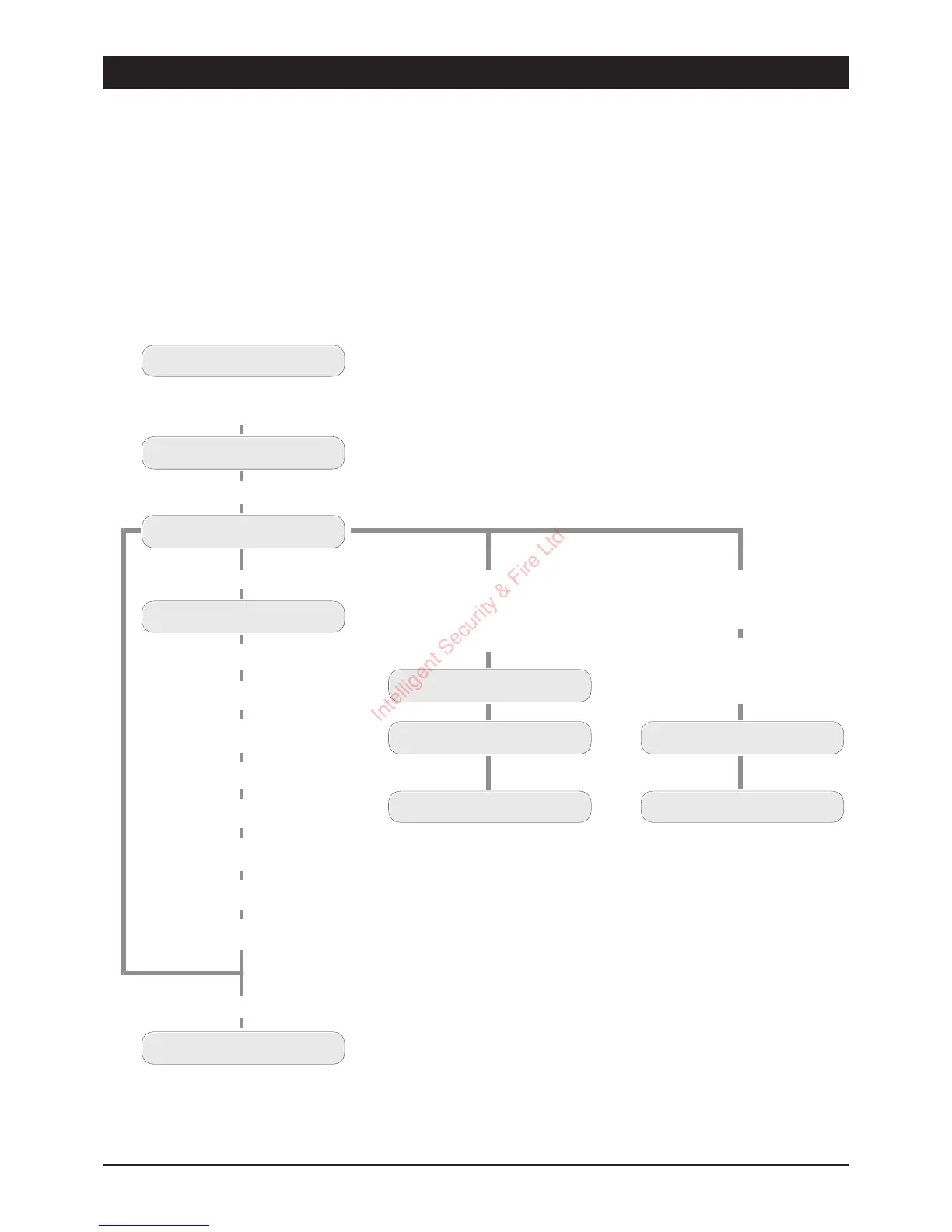
The figure below shows the basic menu structure.
15
TSD402 User Manual User Options
UNSET
Enter fir s t 3 digits of Passcode then
[
(e. g.,
5 6 7 [
)
Speech Dialler Menu
USER OPTION -
Press
8
for Dialler Programming
READY
ENTER 1-3 or 0-9
Press
[
for main menu
Press
1
for Tel No. 1
Press
2
for Tel No. 2
Press
3
for Tel No. 3
Press
0
for Common Phrase
Press
7
for Fire Phrase
Press
8
for PA Phrase
Press
9
for Alarm Phrase
Press
[
for Last Call Log
UNSET
Enter Passcode to return to Unset
PLAYING PHRASE 0
Press
7
to play Fire message
Press
8
to play PA m essage
Press
9
to play Alarm message
PLAYING PHRASE A
Replaying Messages
READY
SENDING A To No.3
READY
Sending a Test Call
Select the message Fire (7),
PA (8) or Alarm (9), then the
telephone number. 1, 2 o r 3.
(e.g. , press
9
then
3
to
send the Alarm message to
telephone number 3.)
Note:
If the unit is left un-operated in the READY mode, it will
automatically return to the UNSET condition after 1 m inute.
Intelligent Security & Fire Ltd



 To Next Page