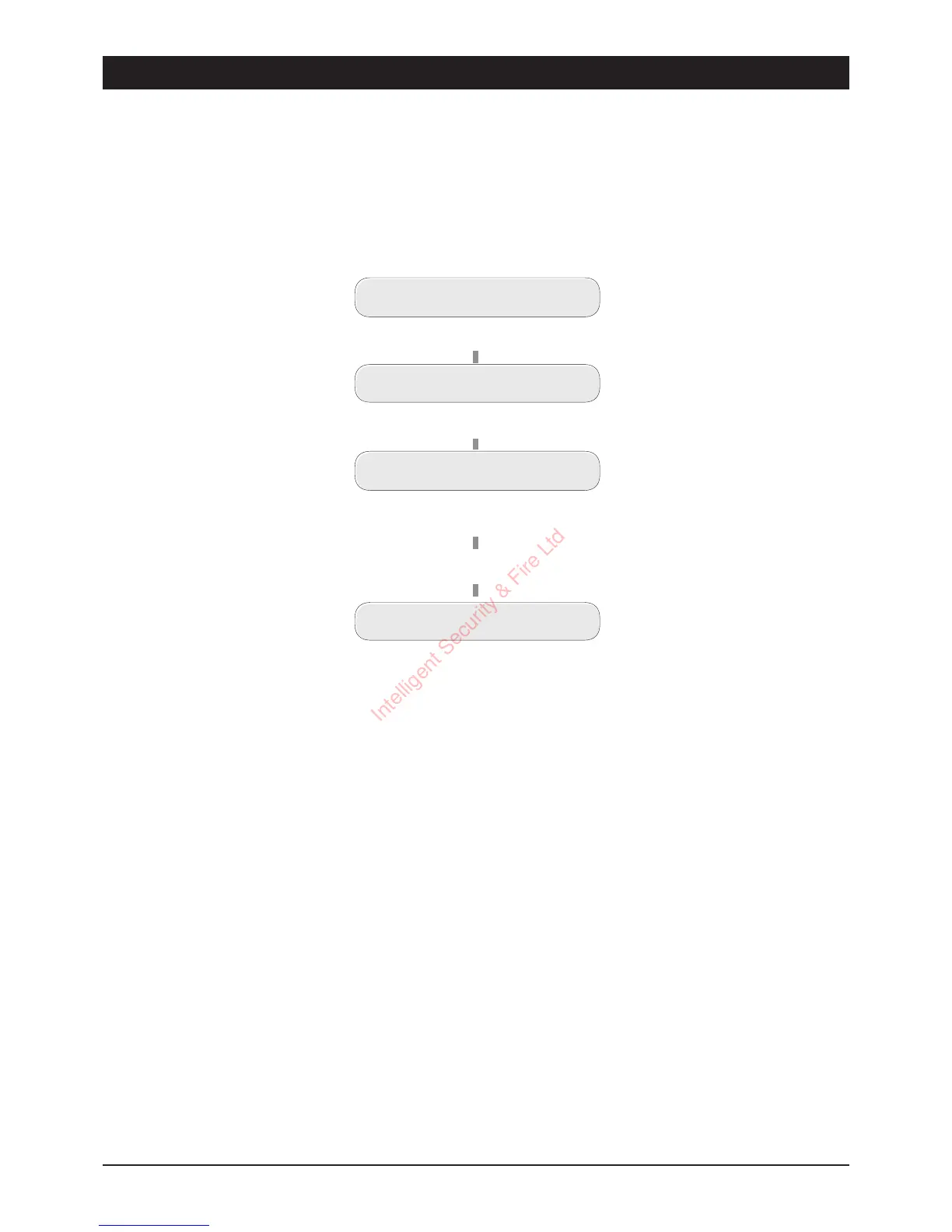
Viewing the Last Call Log
When a call is successfully acknowledged the TSD402 stores the event in a `Last Call Log'. When
the log is viewed the display will show the alarm that was sent (F, P and A) and the telephone
number(s) that acknowledged the call.
Cancelling an Activation
OccasionallyyoumaytriggeryouralarmbyaccidentandcausetheTSD402tosendanunwanted
call. When this happens the unit may be stopped by entering a valid user passcode.
23
TSD402 User Manual User Options
Last Call Log
READY
Press the
[
key
ENTER 1-3 or 0-9
Press the
[
key
SENT A To [-2-]
The display shows the last
acknowledged call
Press the
]
key
READY
Intelligent Security & Fire Ltd



 To Next Page