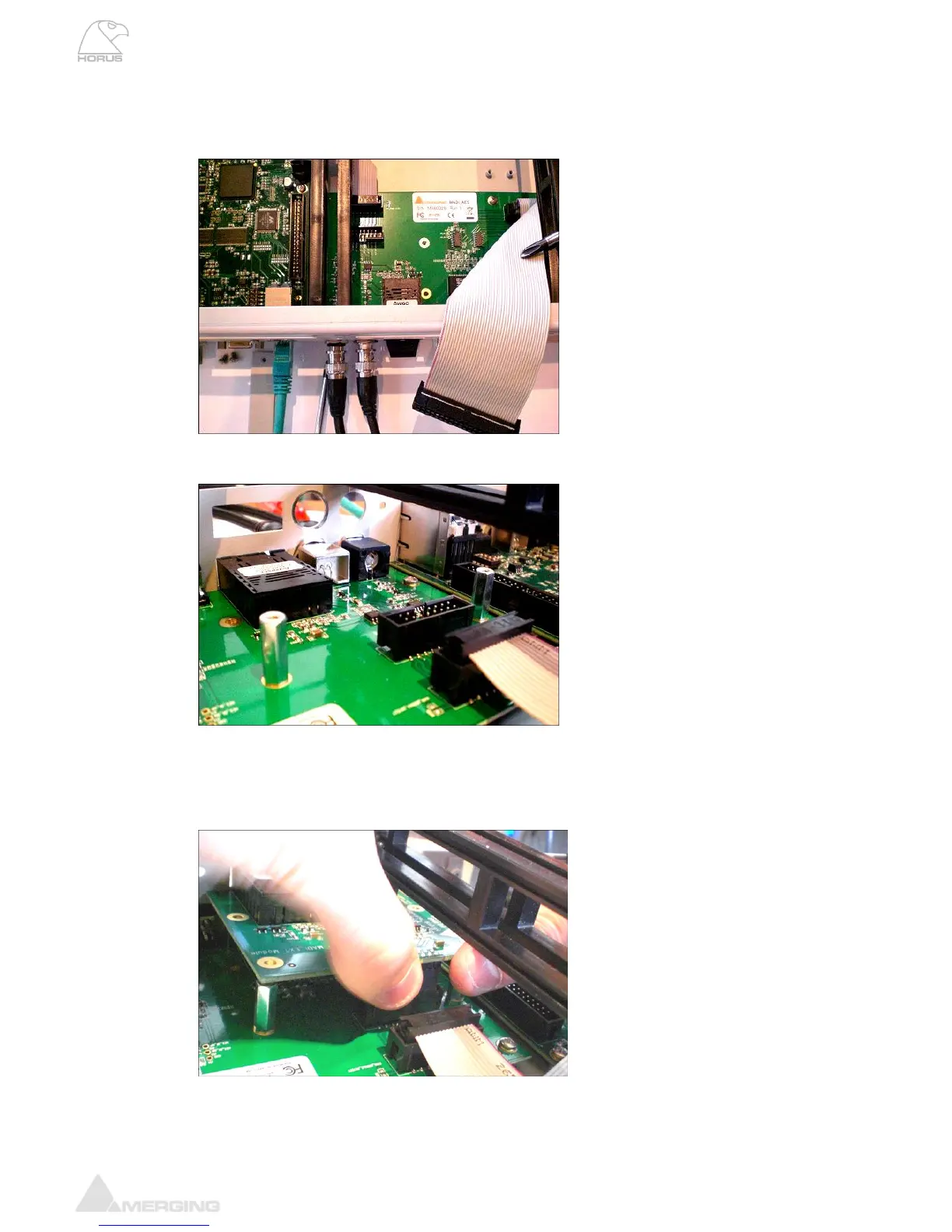
3. Open the Horus top panel, remove the AD8/AD8P or D/A8/DA8P modules that could be
obstructing access to the MADI module.
4. Disconnect the ribbon cable carefully
5. Screw the 2 spacers onto the MADI 1 / AES board
6. Slide the MADI extension board carefully so that the output connectors emerge from the Horus
back panel. You will need to do this at an angle that will allow you to push and fit the connector
into the header of the MADI 1 card (below). Align and push the MADI extension board gently so
that it fits into the header.
7.



 To Next Page