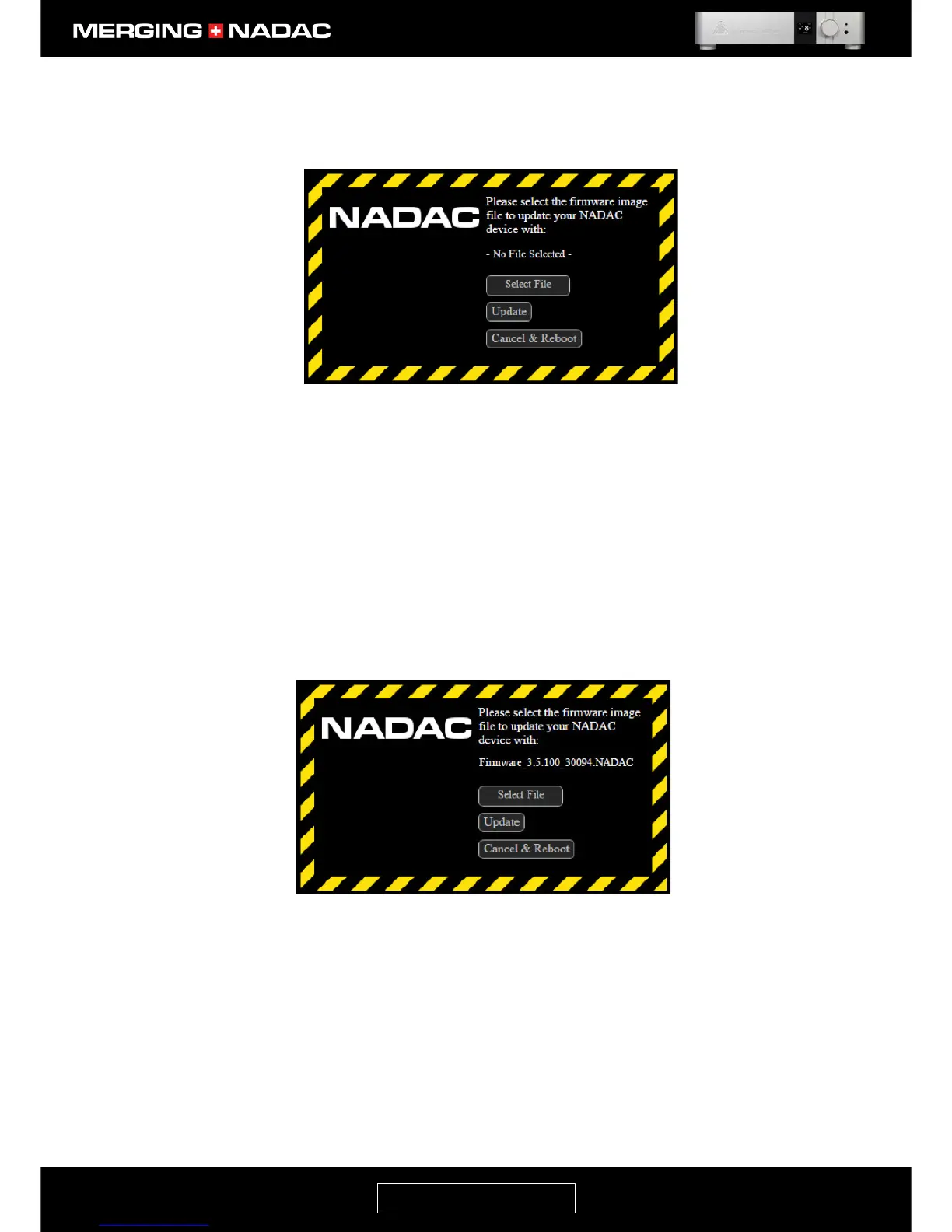
7. Your default web browser (we recommend Google Chrome or Apple Safari) should open up and display
the firmware update window – Figure 92.
If your web browser does not open on the firmware upgrade page, clear your browser history and re-open the
MERGING+NADAC page by double clicking on the NADAC Maintenance Mode icon in either the NADAC
RAVENNA ASIO Panel, Figure 89 (Windows systems) or NADAC Core Audio Panel, Figure 90 (Mac systems).
8. Click on the Select File button and choose the firmware file (.NADAC) that you have previously
downloaded and then click on the Open button.
9. Wait a few seconds for the filename of the new firmware to appear in the update window as shown in
Figure 93.



 To Next Page