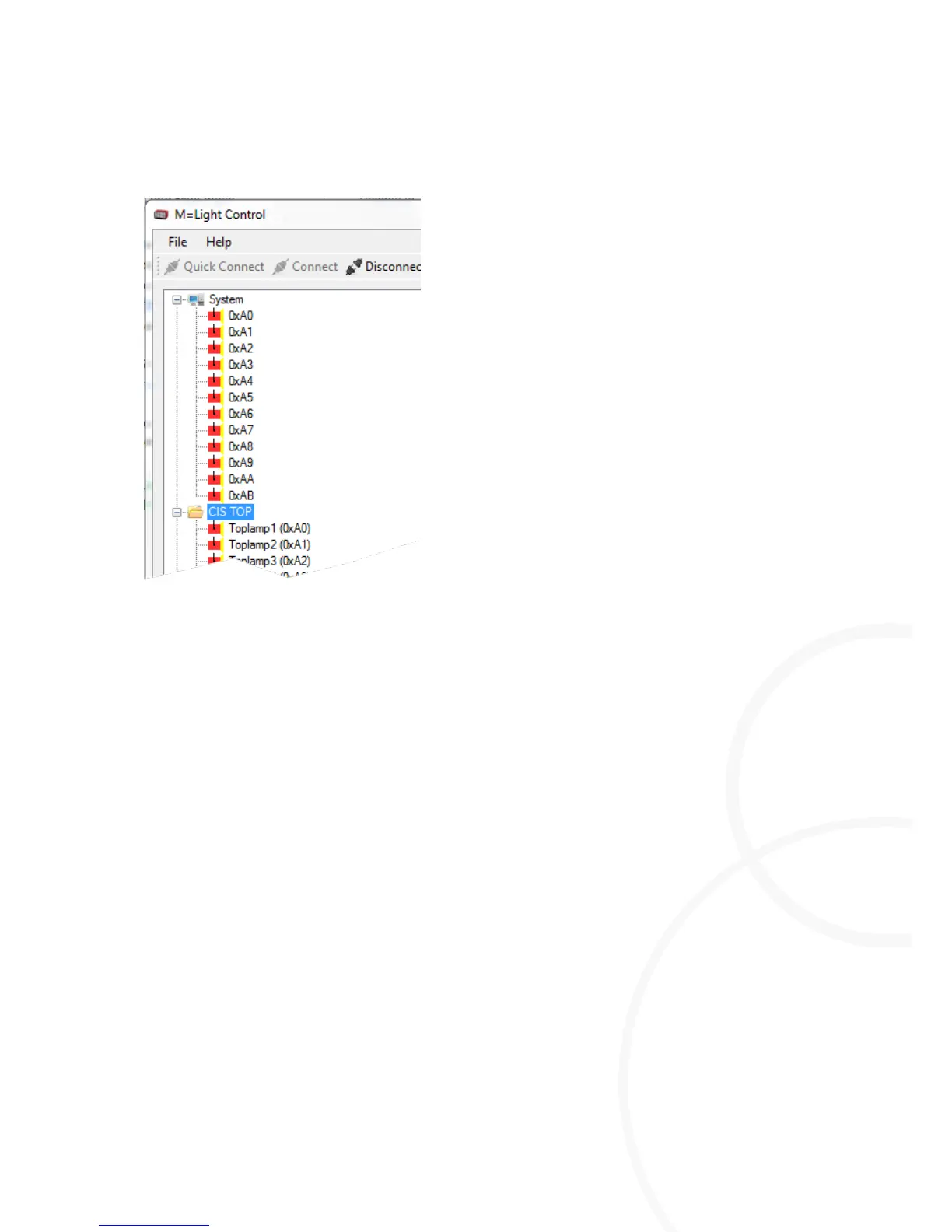
Options for highlighting the M=Light LED in the M=Light Explorer
I Highlight all M=Light LEDs connected (system)
I Highlight a group of M=Light LED (e.g.: CIS TOP)
I Highlight an individual M=Light LED (e.g.: Toplamp1 (0xA0))
Highlighting M=Light LEDs in M=Light Explorer
Highlight an M=Light LED, a group, or a system using the left mouse button.
The highlighted M=Light LED, group, or system is shaded blue (Figure 13).
You have highlighted the required M=Light LED and are now able to parameterize it, query its
status or perform an update.



 To Next Page