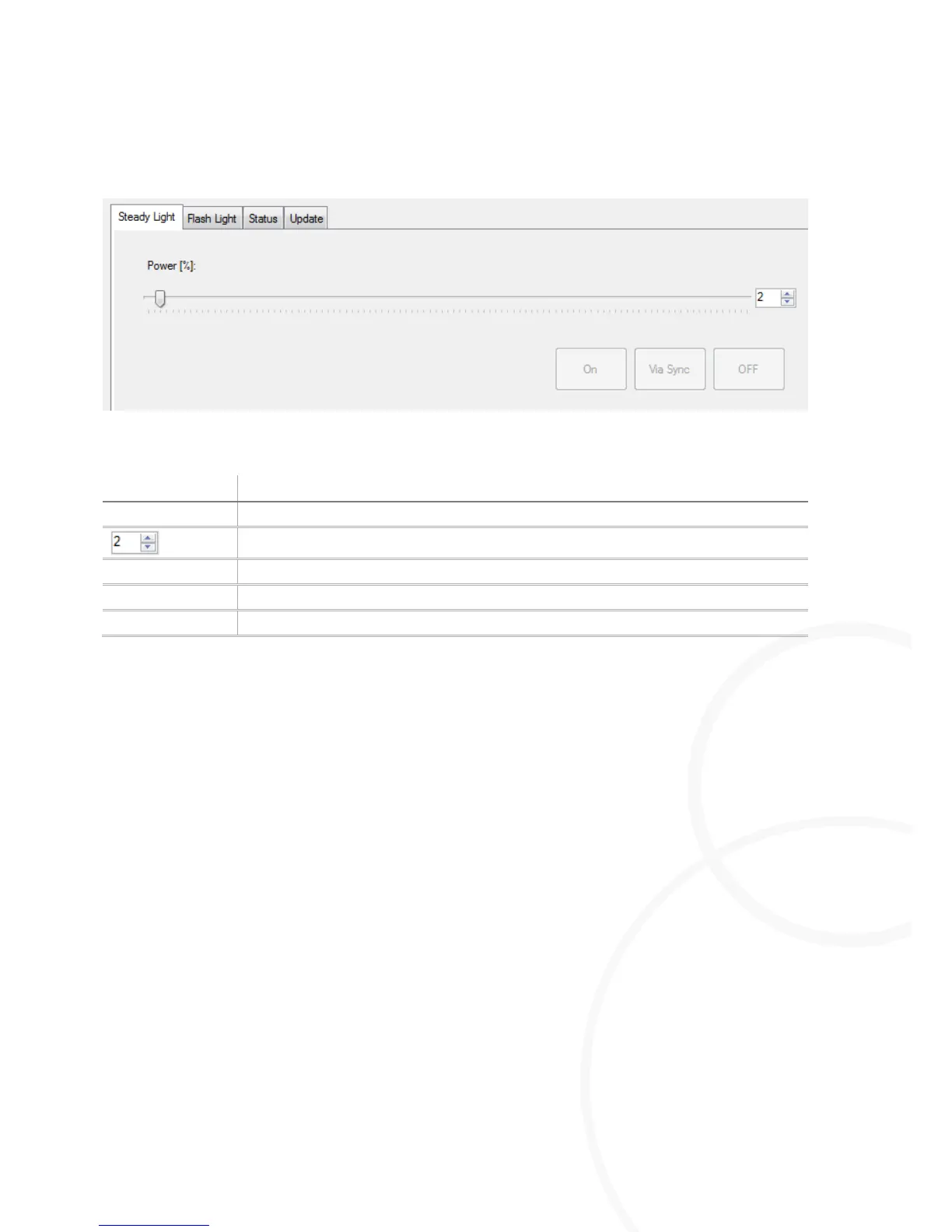
Permanent Switch-on of M=LIGHT LED Pro.
Open the Steady Light window.
Highlighting M=Light LEDs in M=Light Explorer
Adjust the required intensity by the Power [%] slide control.
Press On.
The previously highlighted M=Light LED or group is switched on for permanent operation as
soon as voltage is supplied.
Changing the intensity of the M=Light LED in switched-on condition
Open the Steady Light window.
Highlighting M=Light LEDs in M=Light Explorer
Adjust the required intensity by the Power [%] slide control.
Press On.
The intensity of the previously highlighted M=Light LED or group is changed to the currently set
value.



 To Next Page