Selecting the trigger input.
Figure 17: Pull-down menu for trigger options
M=Light LED is activated when the level at the input (Flash H / Flash L) is changed
from recessive to dominant.
M=Light LED is activated when the level at the input (Flash H / Flash L) is changed
from dominant to recessive.
Highlight the M=Light LED for which the settings are to be made.
Read the required edge from the camera manufacturer's manual.
Select Falling edge or rising edge.
Press Send.
You have adjusted the trigger input in compliance with the camera system connected.
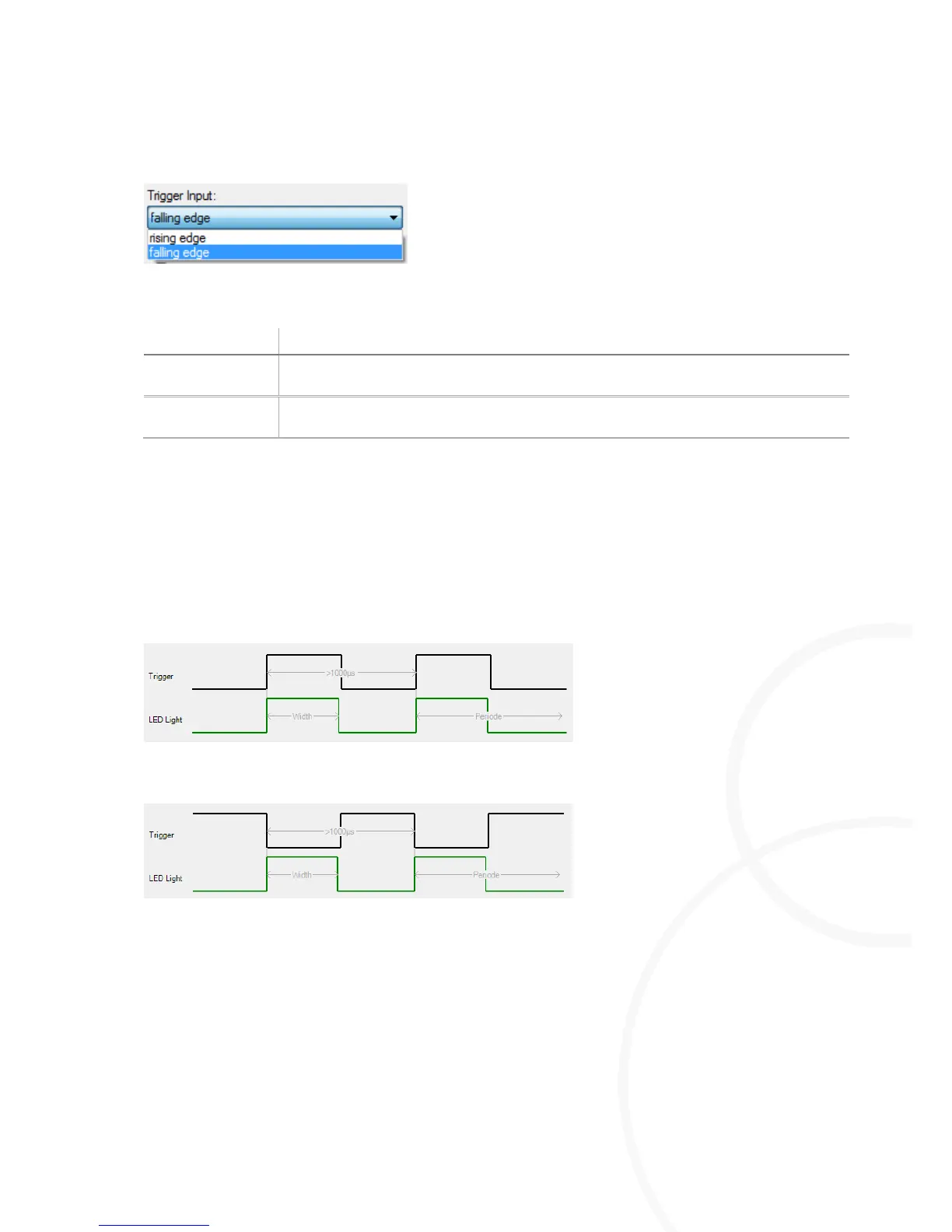
Figure 18: Example, positive edge
Figure 19: Example, negative edge



 To Next Page