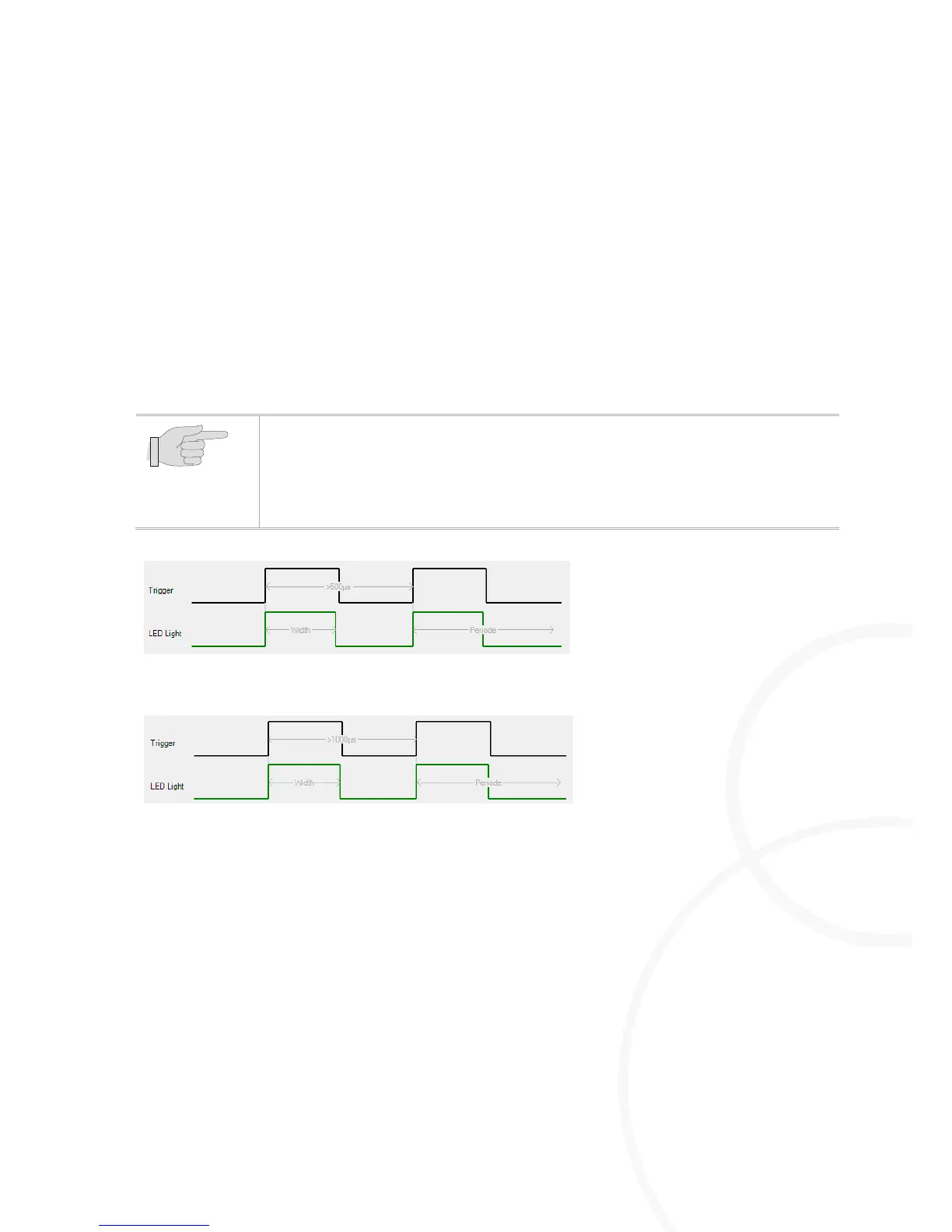
Adjusting the Pulse Period
[µs]
Highlight the M=Light LED for which the settings are to be made.
Read the required period duration from the camera manufacturer's manual.
Set the value by the Pulse Period
[µs]
slide control so that the slide control does NOT become red.
As an alternative, set the frame rate value for the camera by means of the Pulse Period
[fps ]
slide
control so that the control does NOT become red.
The slide control that is currently NOT actuated, follows automatically.
Press Send.
The required period duration has been set for the highlighted M=Light LED.
You can change the operating mode using the Pulse Period [µs] slide control.
At the Pulse Period [µs] slide control set the value 0.
The highlighted LED changes to Auto-Follow operating mode (section
5.3.5.2, page 31).



 To Next Page