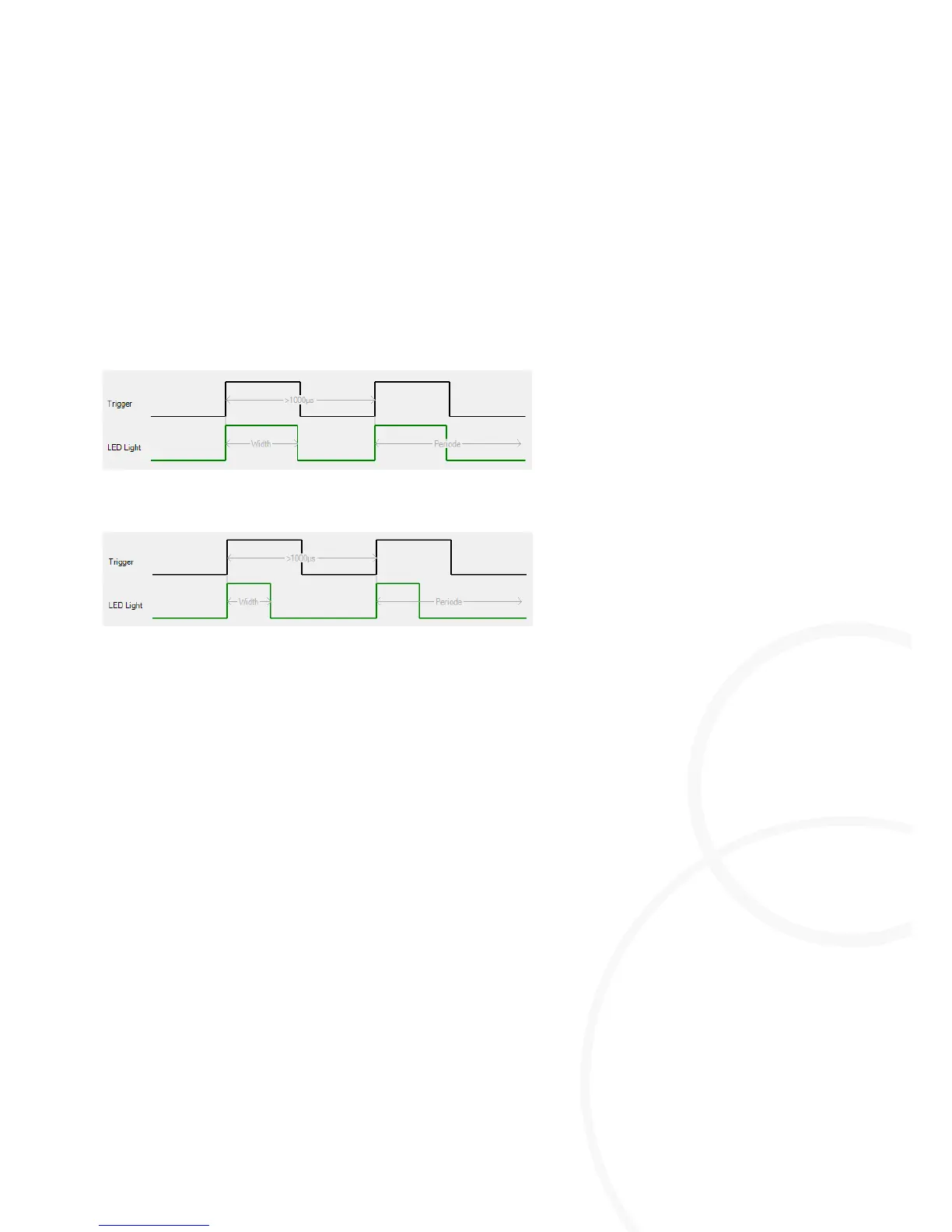
Adjusting the Pulse Width
[µs]
This parameter defines the duration of the light pulse.
Highlight the M=Light LED for which the settings are to be made.
For intensities < 150%, set a value of up to 50% of the Pulse Period
[µs]
value
.
For intensities > 150%, set a value of up to 20% of the Pulse Period
[µs]
value
.
Press Send.
The required light pulse duration has been set for the highlighted M=Light LED.
Adjusting the Pulse Delay
With this parameter, the delay of the light impulses is determined according to the edge of the
Sync signal from the camera.
Highlight the M=Light LED for which the settings are to be made.
Read the required delay from the camera manufacturer's manual.
Set the value by the Pulse delay
[µs]
slide control so that the slide control does NOT become red.
Press Send.
The required delay has been set for the highlighted M=Light LED.
Adjusting the Power
This parameter defines the intensity of the light pulse.
Highlight the M=Light LED for which the settings are to be made.
Adjust the intensity at the Power
such that NONE of the slide controls become red.
Press Send.
The required intensity has been set for the highlighted M=Light LED.



 To Next Page