5 MENUS AquaLab TDL
and delete functions.
User Setup
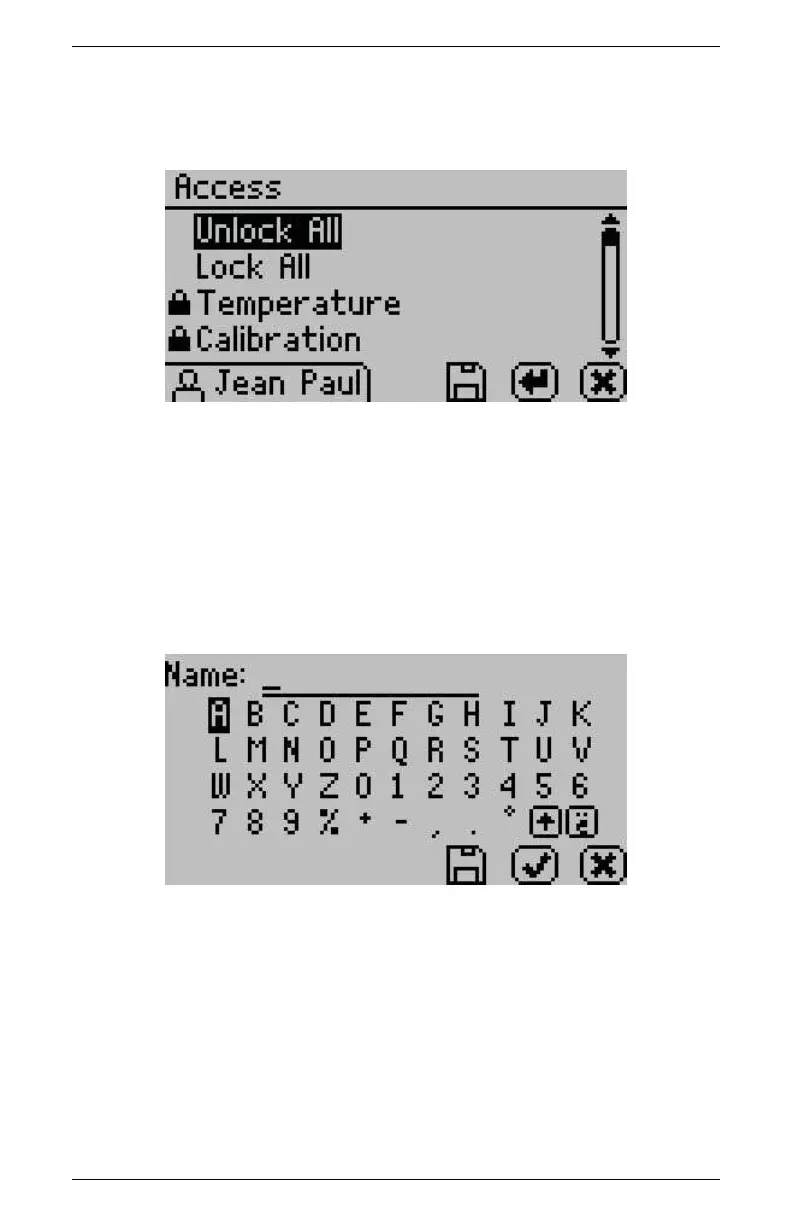
Administrators can add, edit, or delete users from this screen. An
alphabet screen appears where you can enter a name using lower
case, upper case and accents.
Note: User setup is not required for instrument operation. It is in
place for users wanting to be compliant with 21 CFR Part 11 or who
want to maintain the settings they have selected.
Auto Save
AquaLab TDL models have the ability to store water activity read-
ings within the instrument. By selecting Auto Save “On,” the instru-
24



 To Next Page