AquaLab TDL 7 VERIFICATION AND CALIBRATION
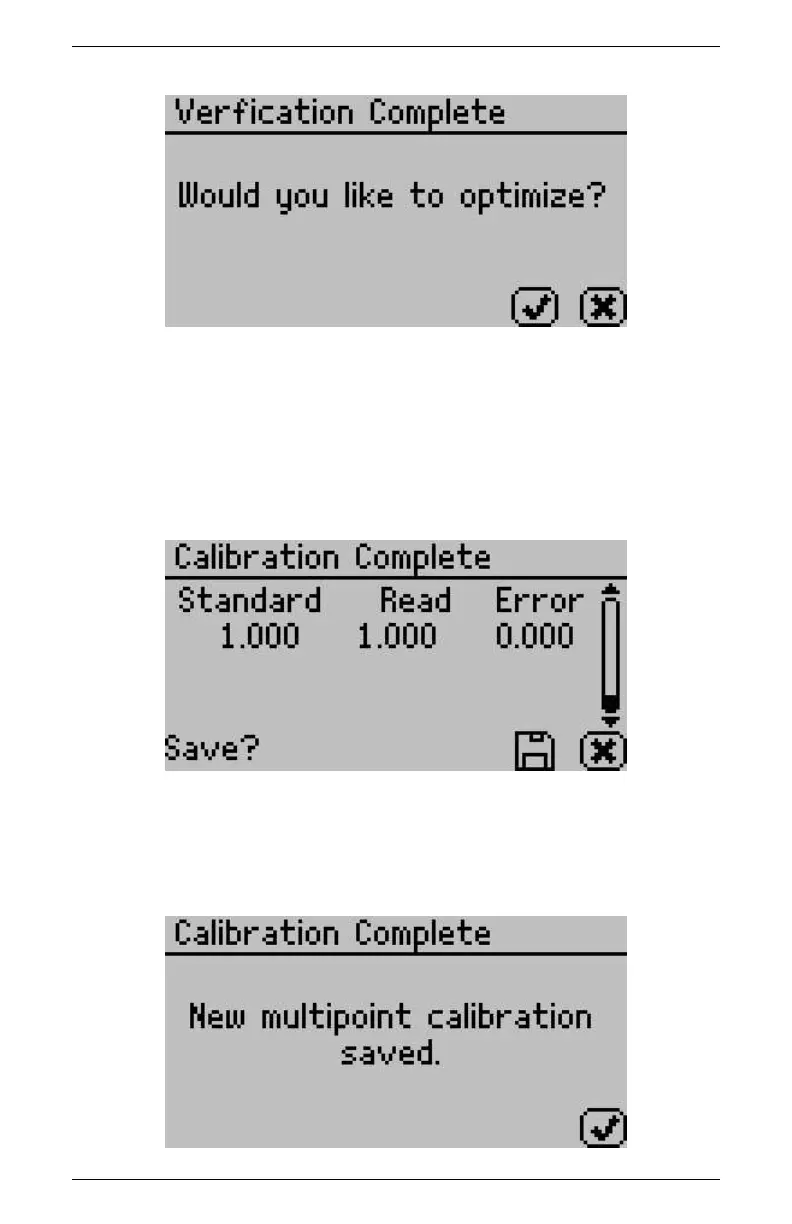
12. To make adjustments to the calibration, select the check mark
or select the X button to cancel without adjusting the calibra-
tion.
13. After optimizing the new calibration, the Calibration Complete
screen will appear.
14. To save the new calibration changes, select the Save icon and
the calibration screen will verify that the AquaLab saved your
new multi-point calibration.
43



 To Next Page