4.0 Battery Charging & Connection
The MGI Zip Navigator can only be used with the:
MGI 24v 380Wh Lithium battery
4.1 Initial Charge
• Before using your MGI Zip Navigator for the rst time you must
fully charge the battery overnight.
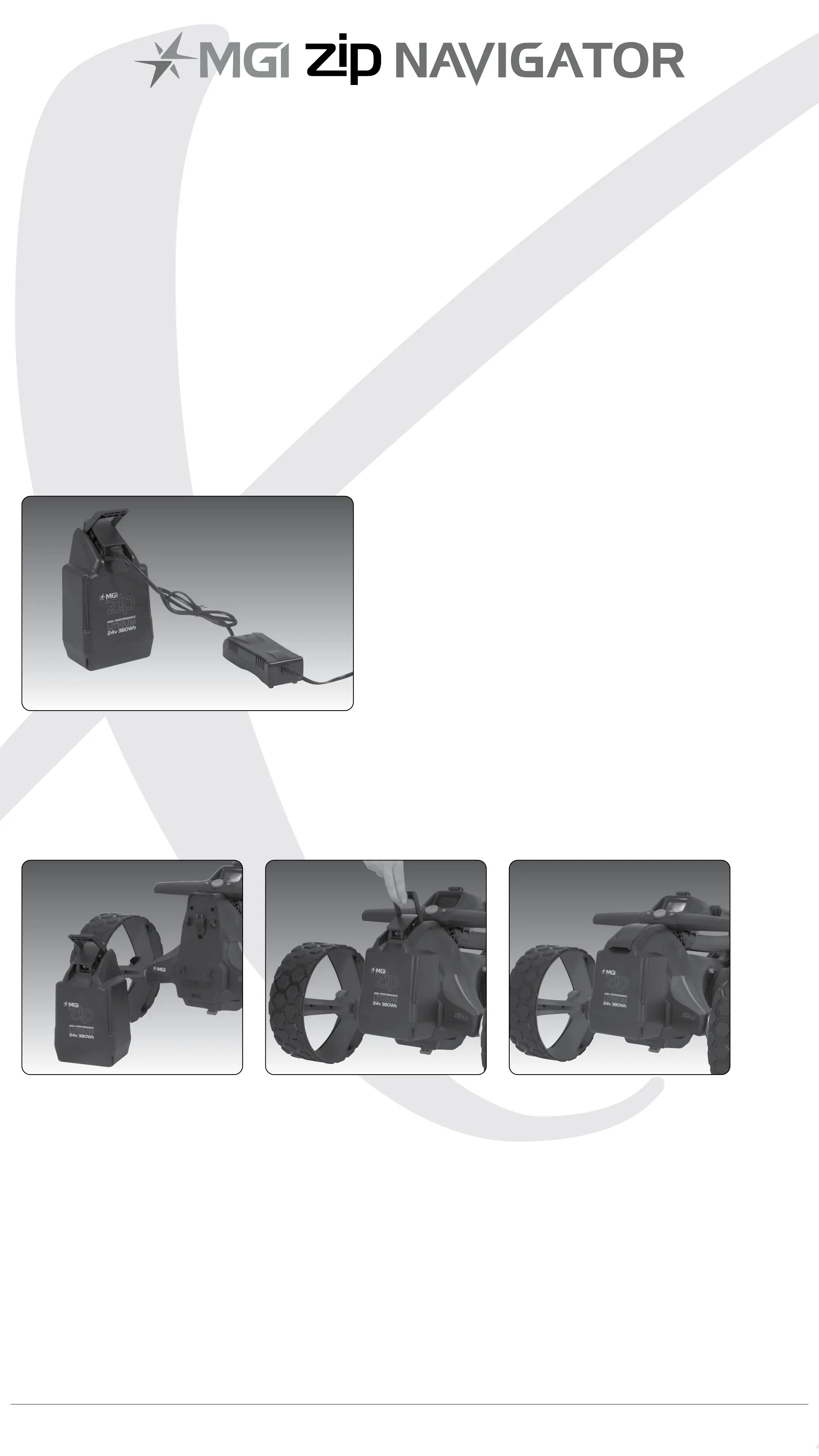
• Plug the charger AC lead into a power point - the green LED
illuminates to indicate the charger is on.
• Plug the charger output connection into the connector on
the front of the battery - the red LED illuminates to indicate it is
charging.
• When the charging LED indicator has turned green, the
battery is fully charged and ready for use.
Please refer to the battery charger user manual for further information.
4.2 Connecting the Battery onto the Zip Navigator
Position the battery on the Zip Navigator and push the battery down
to secure it.
Push the handle down to connect the battery to the
Zip Navigator.
Your Zip Navigator has been equipped with a fail safe battery
connection, so the Zip Navigator will not move when you connect the
battery. Your Zip Navigator will only start via the top handle button or
the remote.
MGI Zip Navigator User Manual 10


 To Next Page