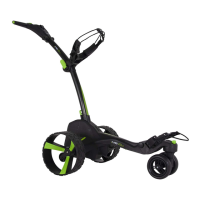
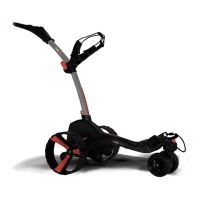
3.4 Folding
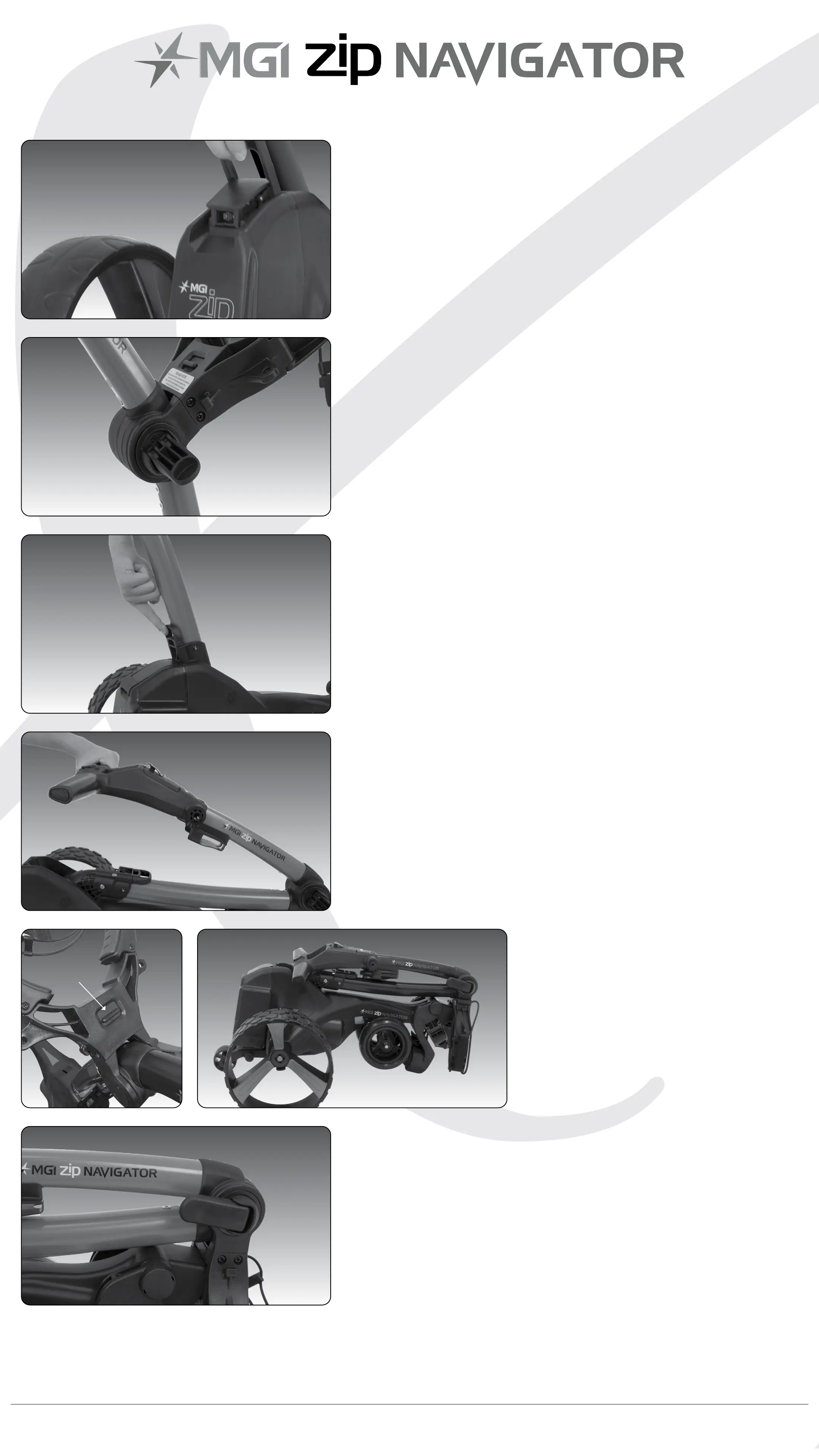
Step 1: Disconnect the battery by lifting
the battery handle. It can be left on or
removed from the Zip Navigator.
Step 2: Open the fold lever to release
the handle.
Step 3: Pull the latch up at the bottom of
the handle.
Step 4: Lower the handle until at.
Step 6: Close the fold lever to lock the
handle into place.
Step 5: Push the toggle
down on the top bag
support and then move
the top bag support
down so that it locks
over the front wheel
assembly.
Toggle
MGI Zip Navigator User Manual 08


 To Next Page