3.0 Assembling Your Zip Navigator
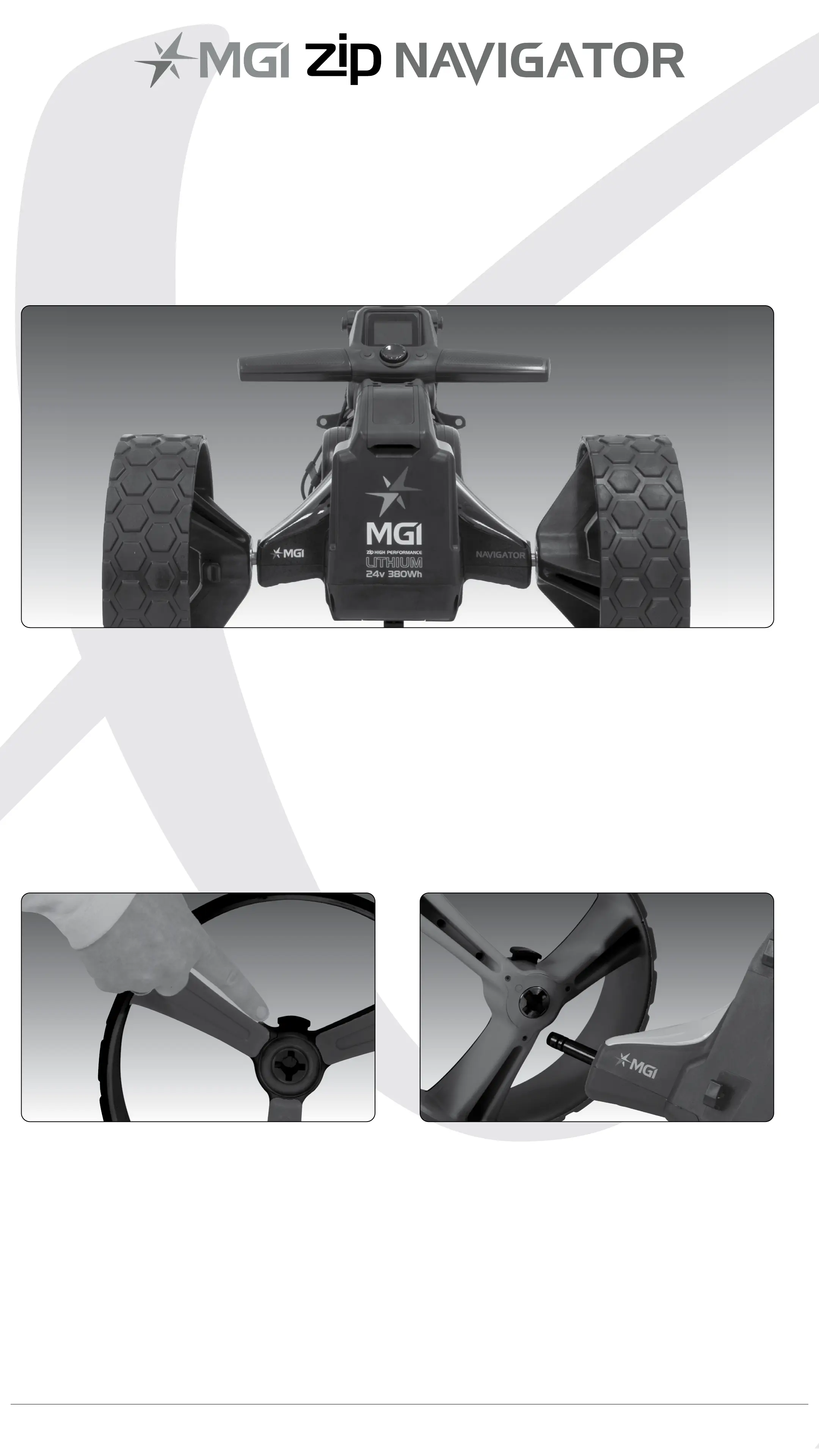
3.1 Attaching the Rear Wheels
First, lubricate both axles using the black lubricant cloth provided
in the MGI Pouch. Lubrication of the axles should be performed
regularly to keep your cart in optimal condition. (Refer to 10.5 MGI
Service Schedule)
Press the grey release button on the wheel hub. Place the wheel
onto the axle. You will need to match up the inner female groove on
the axle and the male of the wheel. When placed in position simply
release the button. You hear a “click” when the wheel is properly
secured.
To check that the wheel is properly in position pull on the wheel. If it is
properly in position it will not slide off. Repeat for the other wheel.
MGI Zip Navigator User Manual 05


 To Next Page