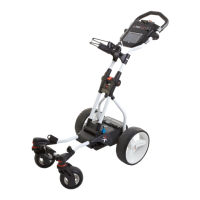
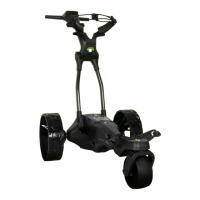
3.3 Unfolding
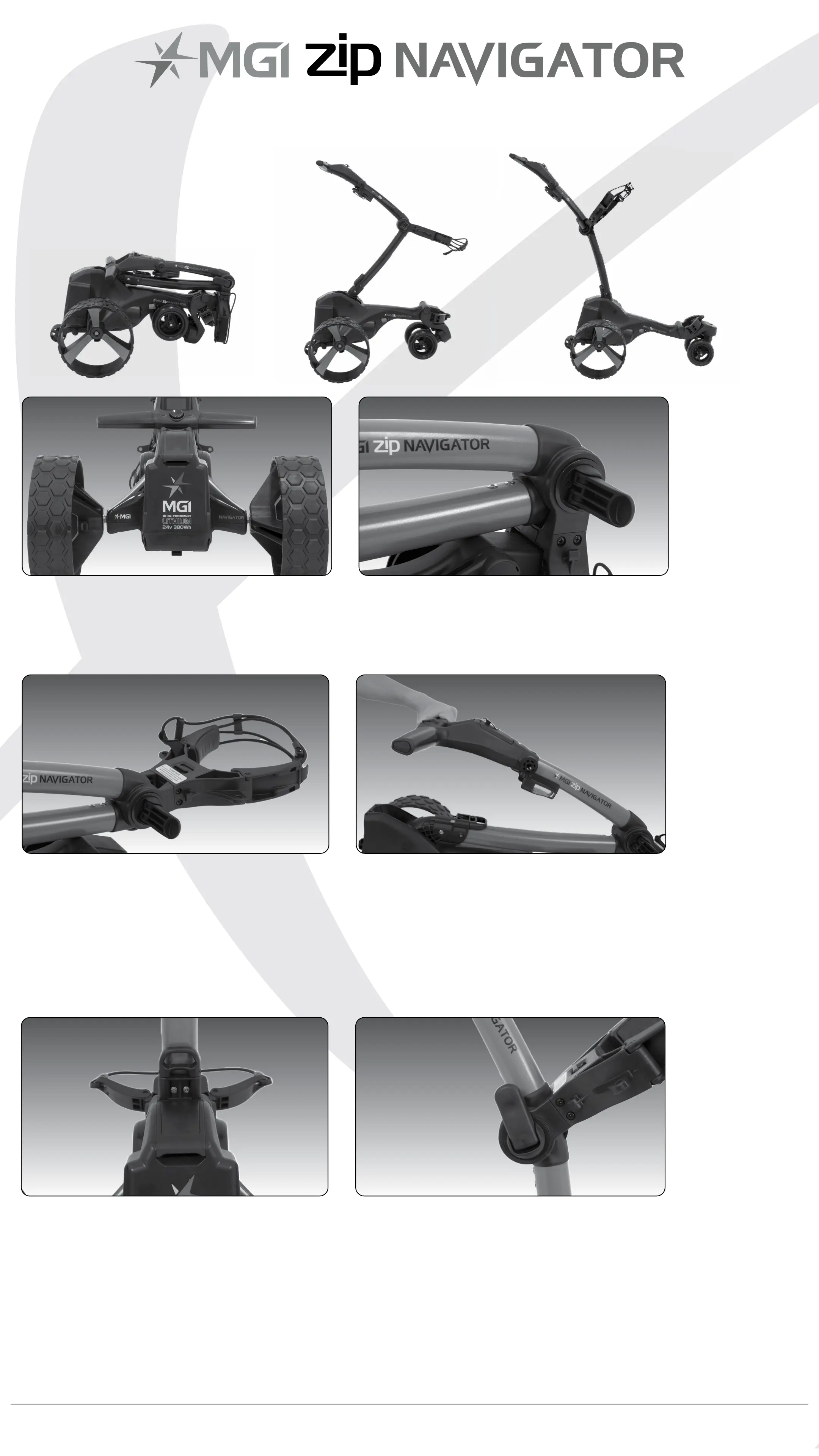
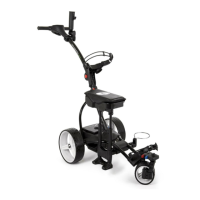
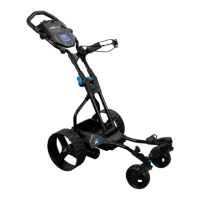
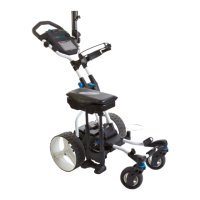
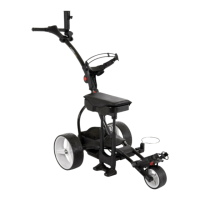
Please see below the steps to unfold a Zip Navigator Handle.
Step 7: Push the top bag support down to move it into position.
Step 1: Ensure both rear
wheels are attached.
Step 2: Release fold lever.
Step 4: The handle is now free to pull
upwards. The handle will naturally
unfold as you continue to pull until the
handle is completely open.
Step 3: Move the top bag
support away from front
wheel assembly until you
hear it click.
Step 6: Close the fold lever to lock
the handle into place in one of three
positions.
Step 5: Ensure that the
latch at the bottom of the
handle clicks into place.
MGI Zip Navigator User Manual 07


 To Next Page