3.2 Rear Wheels Positions
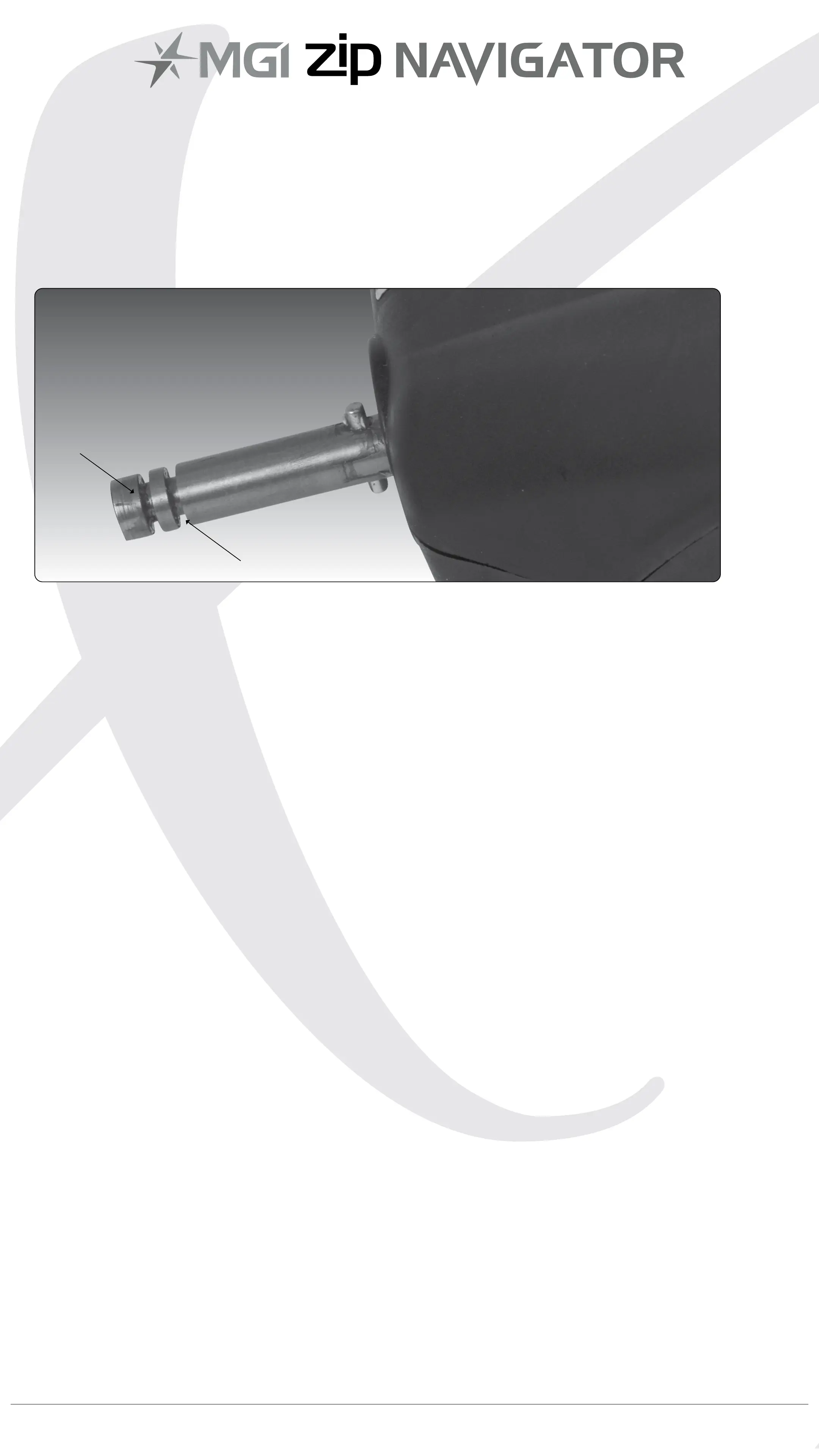
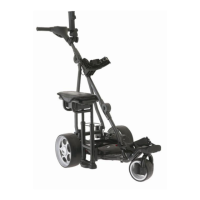
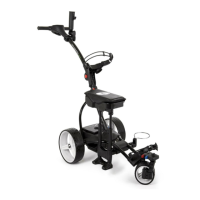
The MGI Zip Navigator is designed to allow the rear wheels to be
in two positions. The position is determined by where the wheel is
locked on the axle in either of the two grooves [see picture]. The drive
position is used during the normal operation of the Zip Navigator. The
free wheel position is used to push the Zip Navigator freely, if required.
i. Drive position – Lock the wheel onto the groove closest to the
battery base. To do this, press the grey release button on the wheel
hub, push the wheel on to the axle as far as possible. To test for drive
position try rolling the wheel backwards. If you feel resistance then
the wheel is now in drive position and ready to use. Repeat for other
wheel.
ii. Free wheel – Lock the wheel into the groove closest to the end of
the axle. To do this, press the grey release button on the wheel hub,
push the wheel on to the axle and push the release button onto the
groove. To test for free wheel position try rolling the wheel backwards.
The wheel should spin freely with no resistance. Repeat for other
wheel.
MGI Zip Navigator User Manual 06
Free wheel position
Drive position


 To Next Page