EasyManua.ls Logo

micro-trak MT-3000 - Page 25

micro-trak MT-3000
44 pages
Print Icon
To Next Page IconTo Next Page
To Previous Page IconTo Previous Page
Loading...
25
Does Console
Remember
Cal. Numbers
Does Console
Remember
Totals?
Was Cal. Exited
Properly?
Is Seeker
OK?
Does
Console
Respond?
See Trak-Star
Troubleshooting
Console
Harness
Does Console
Count Distance?
N
Y
N
N
N
Y
Y
Y
Turn to speed and
Perform Console
Input Test
Is Trak-Star
Installed?
Magnet
Installation
Perform Magnet
Sensor Test
Adjust as
Required
Y
Y
Y
N
N
Does Speed
Register?
5
6
7
Are Magnets
Installed
Properly?
Flip to
MAN.
Is Master
Switch
in Hold?
Is Trak-Star
Installed?
Perform Auto Calibration
Distance/Speed
Does Speed
Work?
Does Distance
Count?
Y
Y
Y
Y
N
N
N
N
N
Is Speed
Erratic?
Is Speed
Correct?
Sensor
Harness
Remote
Run/Hold
Switch or
Sensor
Is Remote
Run/Hold
Installed?
Continued on next page
Y
Y
Y
N
N
N
8
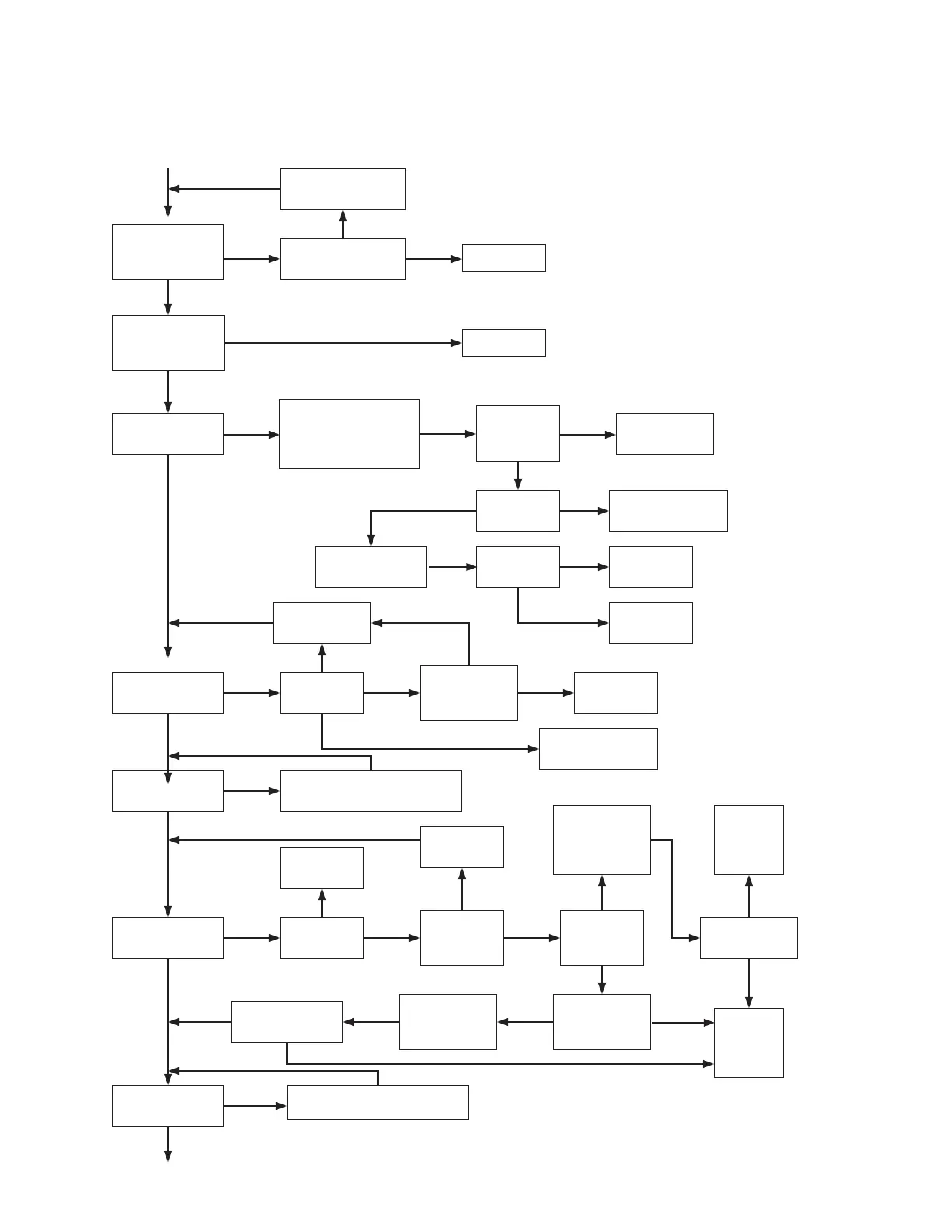
MT-3000 Troubleshooting Flow Chart
Troubleshooting (cont.)
General (cont.)
Continued from Previous Page
Console
Re-calibrate and
Exit Properly
Console
Replace
Sensor
See Trak-Star
Troubleshooting
9
Temporarily
Install Dust
Cover with
Jumper Wire
Go to Box
Number 7
Console
Harness
Jumper
Cover
Is Dust Cover
with Jumper
Wire Installed
Does Console
Count Distance?
Install Dust
Cover with
Jumper Wire
Y
N
10
Is Distance
Correct?
Perform Auto Calibration
Distance/Speed
N
Y
11

Related product manuals