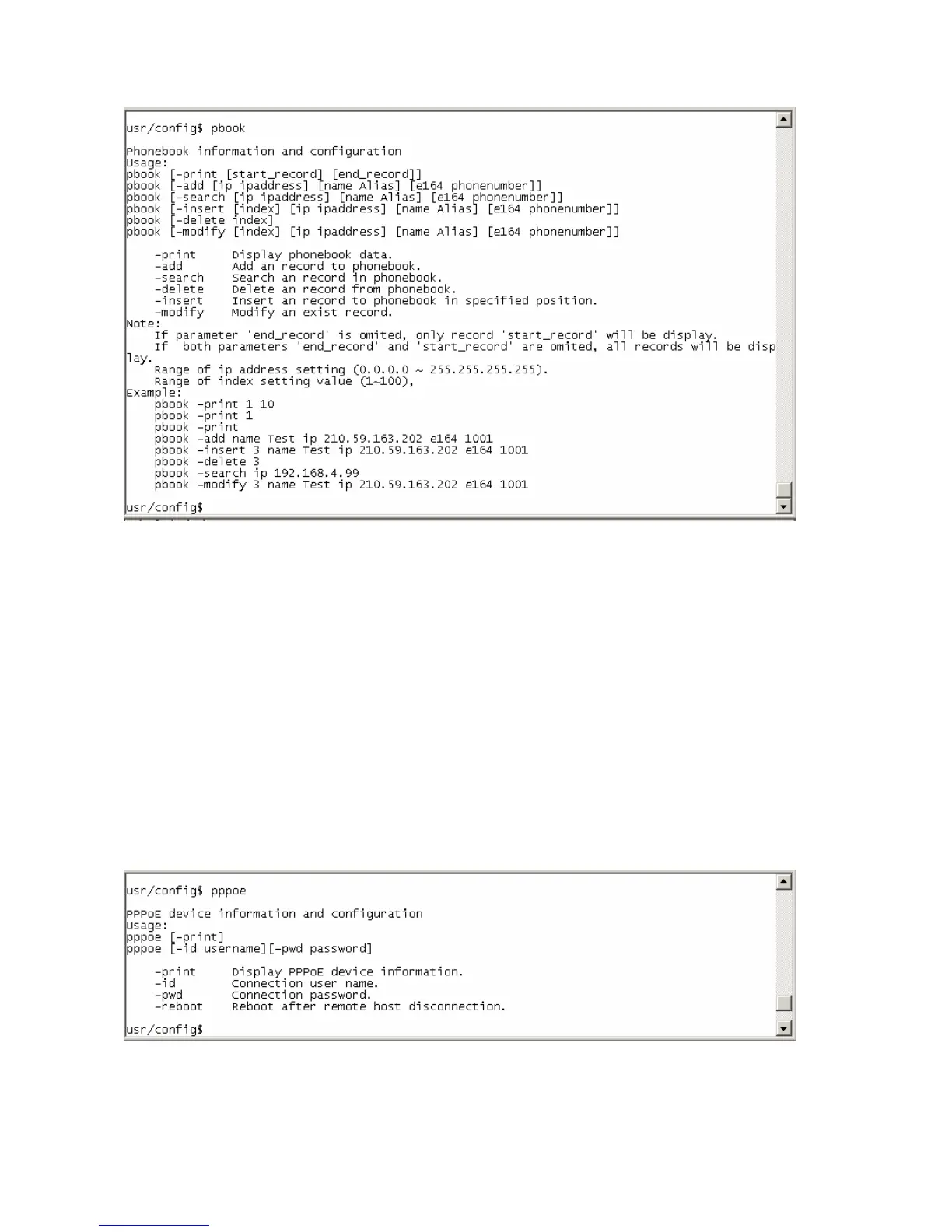
4.11. [pppoe] command
● -print: display all current configurations and information.
● –id: to set PPPoE authentication user name.
● –pwd: to set PPPoE authentication password.
● –reboot: Choose enable or disable this function. If user enables this function, after
PPPoE disconnected, IP-Phone will automatically reboot to re-connect, and after
reboot, if IP-Phone still can’t connect with server, IP-Phone will keep trying to
connect. On the other hand, if user disables this function, IP-Phone won’t reboot
and keep trying to connect. (pppoe –reboot 0 / 1)
43



 To Next Page