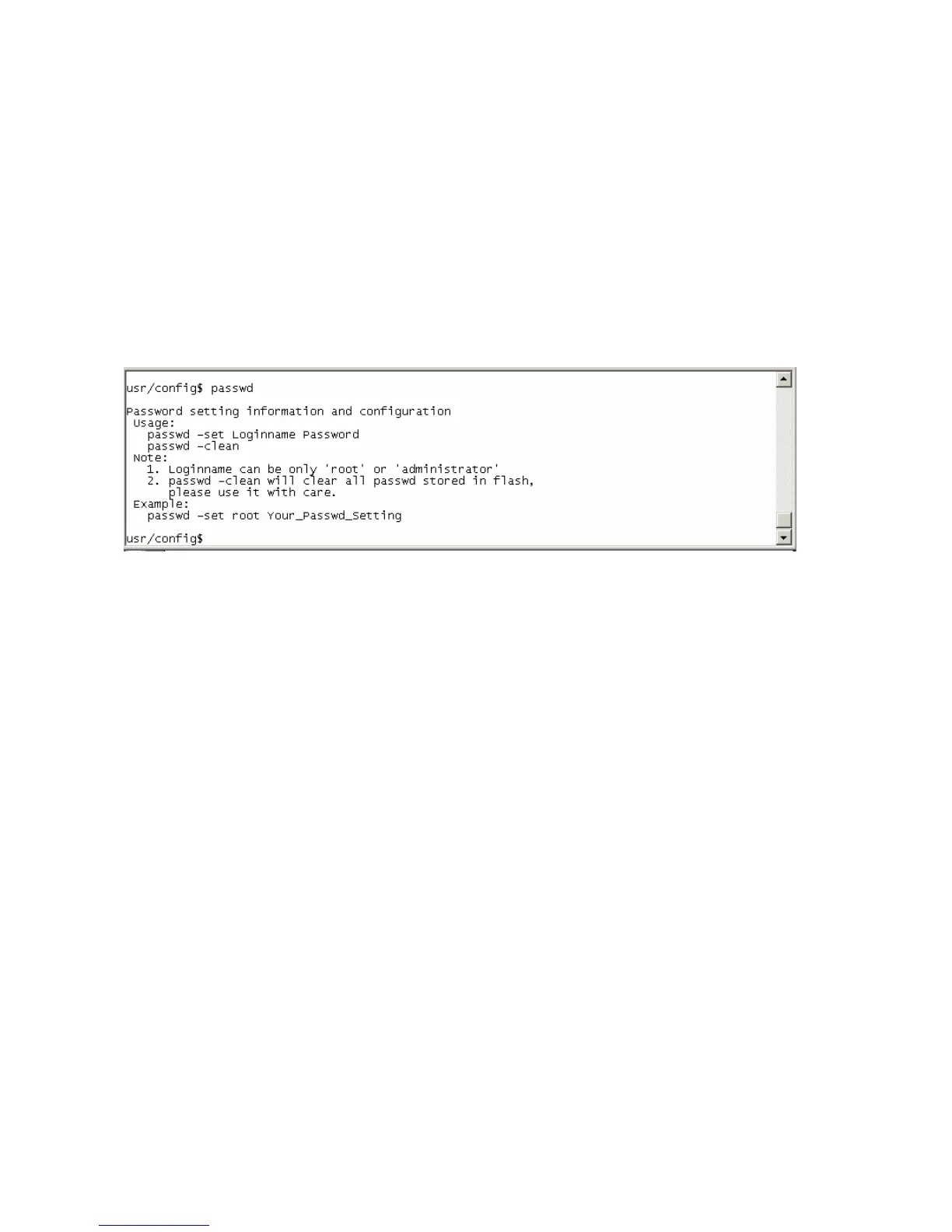
password: ”press enter”.
User who requests authorization to execute all configuration commands needs to login with
“root”. If a user login with “administrator”, two commands are not functional:
password –set root: set password of login : “root”.
passwd –clean: clean up password restored before, and user can login :”root/administrator”,
password: ”press enter”.
51



 To Next Page