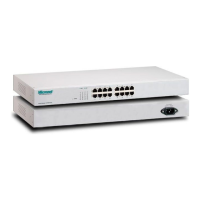
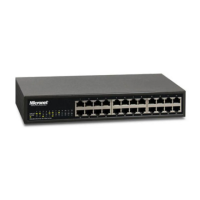
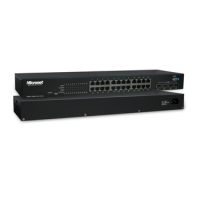
1.3 Physical Description
SP676C Front Panel
SP684C Front Panel
Please refer to the following description for LED indicators and reset button:
Restore Default Button
Use this button to reset the switch or restore factory default settings.
z To reset the switch, press the button once.
z To restore factory default settings, press and hold the button for three seconds.
LEDs Status
LED Status Operation
On
Power is on.
POWER
Off Power is off.
On/Green Connection established.
Blink/Green Transmitting or receiving data.
1000M
Off No link or connected at 10M or 100M
On/Green Connection established.
Blink/Green Transmitting or receiving data.
10/100M
Off No link or connected at 1000M.
Note:The Mini-GBIC slot shares the same LED indicator with the last 4 RJ-45 (copper) ports.
4


 To Next Page