3. Web-based Interface Configuration
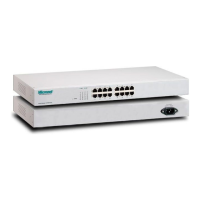
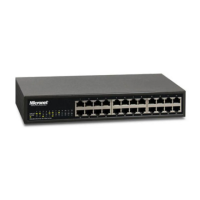
SP676C/SP684C provides a web-based interface, allowing users to configure and manage
the switch remotely from web browser.
3.1 Setting Up Connection
In the web browser, enter the IP address “192.168.1.1” as SP676C/SP684C’s URL. Key in
username/password to pass the login step below. The factory default value of
username/password is “admin/admin”. And then, you can enter the main page.
Before you configure this device, make sure the manager PC must be set on the same IP
network as 192.168.1.X and the default subnet mask is 255.255.255.0.
3.2 Main Menu
After you login, the switch shows you the system status information as below and the basic
information of the system. You can select the configuration section by clicking the tabs. It
includes:
Configuration
* System
* Port
* VLAN
* Aggregation
* Quality of Service
* Mirror
* Rate Limit
* SNMP
* Discover
7


 To Next Page