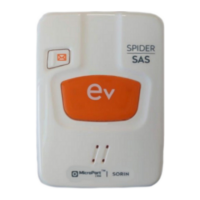
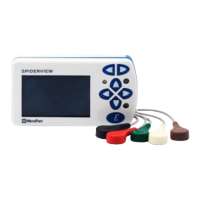
(8) Flash card insertion slot (9) Battery compartment
(10) Service connector (reserved for maintenance) (12) Reset button
DESCRIPTION OF SYMBOLS ON THE CASE AND PACKAGING
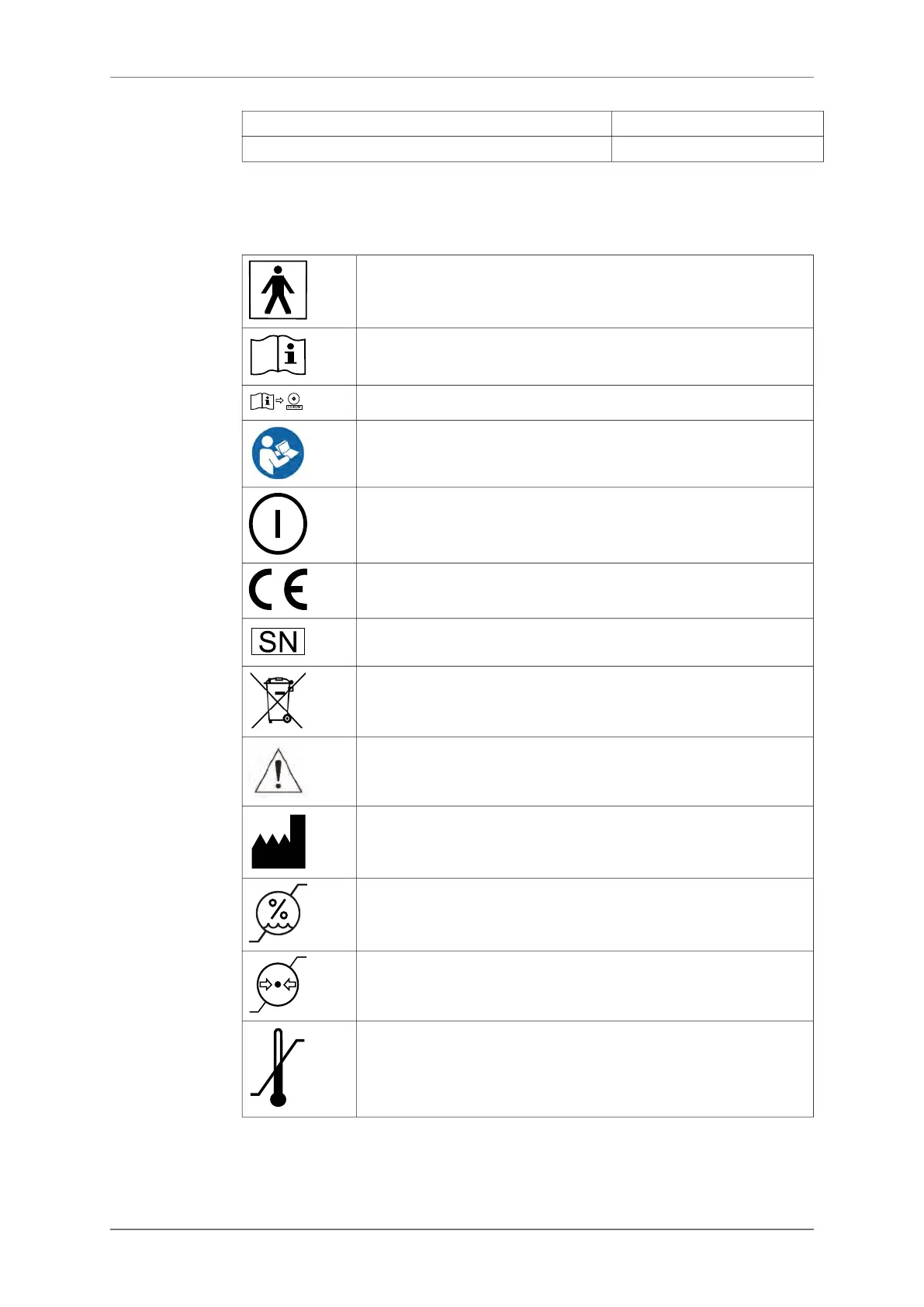
The following symbols are displayed on the SpiderView case and packaging:
Device classified as BF (IEC 60601-1).
Refer to the SpiderView user manual before handling the part of the device
with this symbol.
Consult instructions for use available on CD-ROM
Consult the documentation and manual enclosed in the packaging.
On/Off switch
CE mark: SpiderView complies with EC directive 93/42/EEC.
Serial number
The equipment must be recycled according to European Directive 2012/19/EU
Caution
Manufacturer
This symbol indicates the minimum and maximum storage humidity.
This symbol indicates the minimum and maximum storage pressure.
This symbol indicates the minimum and maximum storage temperature.
6.2.
6. GENERAL DESCRIPTION
12 SpiderView – UA10709B


 To Next Page