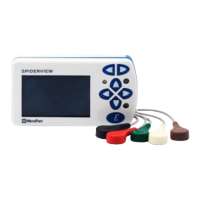
This image can be seen from every screen on the device (except the final Summary screen)
by pressing the “E” button.
TIME AND DATE SCREEN
The device’s time and date can be modified in the Time screen and Date screen. Use the
buttons to select hours/minutes/seconds or day/month/year and use
the buttons to modify the value.
European and US date and time systems are available.
NOTE: Time and Date are stored on the device and kept updated by the internal
rechargeable battery for about a week.
After switching on the recorder, if the SpiderView fails to retrieve the language, time or date
from its memory, it will automatically display the setting screen for these parameters
(language, date then time) so that you can re-enter this data.
ABOUT SCREEN
This screen displays the serial number of the device, the version of the firmware and
the copyright. Use the buttons to modify the level of contrast of the
display.
11.3.
11.4.
11. DEVICE PARAMETERS
SpiderView – UA10709B 29


 To Next Page