Chapter 3 Camera Calibration
3-12 Visionscape FrontRunner™ User’s Manual v4.1.3, April 2012
applied in both the X and Y direction. If you wish to have different X
and Y scale factors, then you will need to use the advanced options.
12. Once you’re done with this page, click Next to move to the Finished
page.
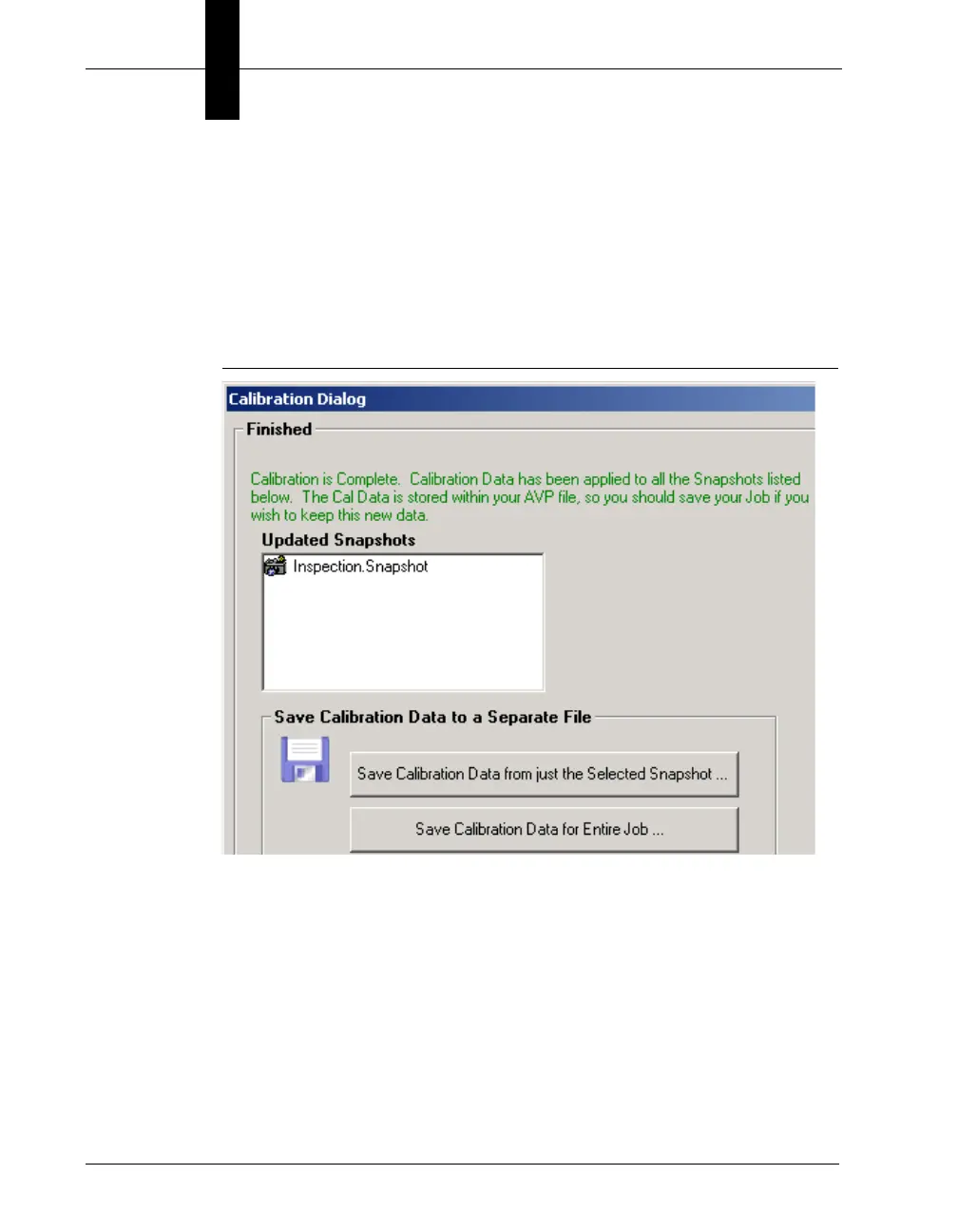
FrontRunner™ displays the Finished screen, as shown in Figure 3–9.
FIGURE 3–9. Calibration Finished
13. Select either of the Save options:
– Save Calibration Data from just the Selected Snapshot — This
button allows you to save the calibration data for just the
Snapshot that you just calibrated. Then, this data can be
reloaded into any other Snapshot step in this Job or any other
Job by using the Load Calibration Data From File option on the
main Calibration page.



 To Next Page