Chapter 3 Camera Calibration
3-16 Visionscape FrontRunner™ User’s Manual v4.1.3, April 2012
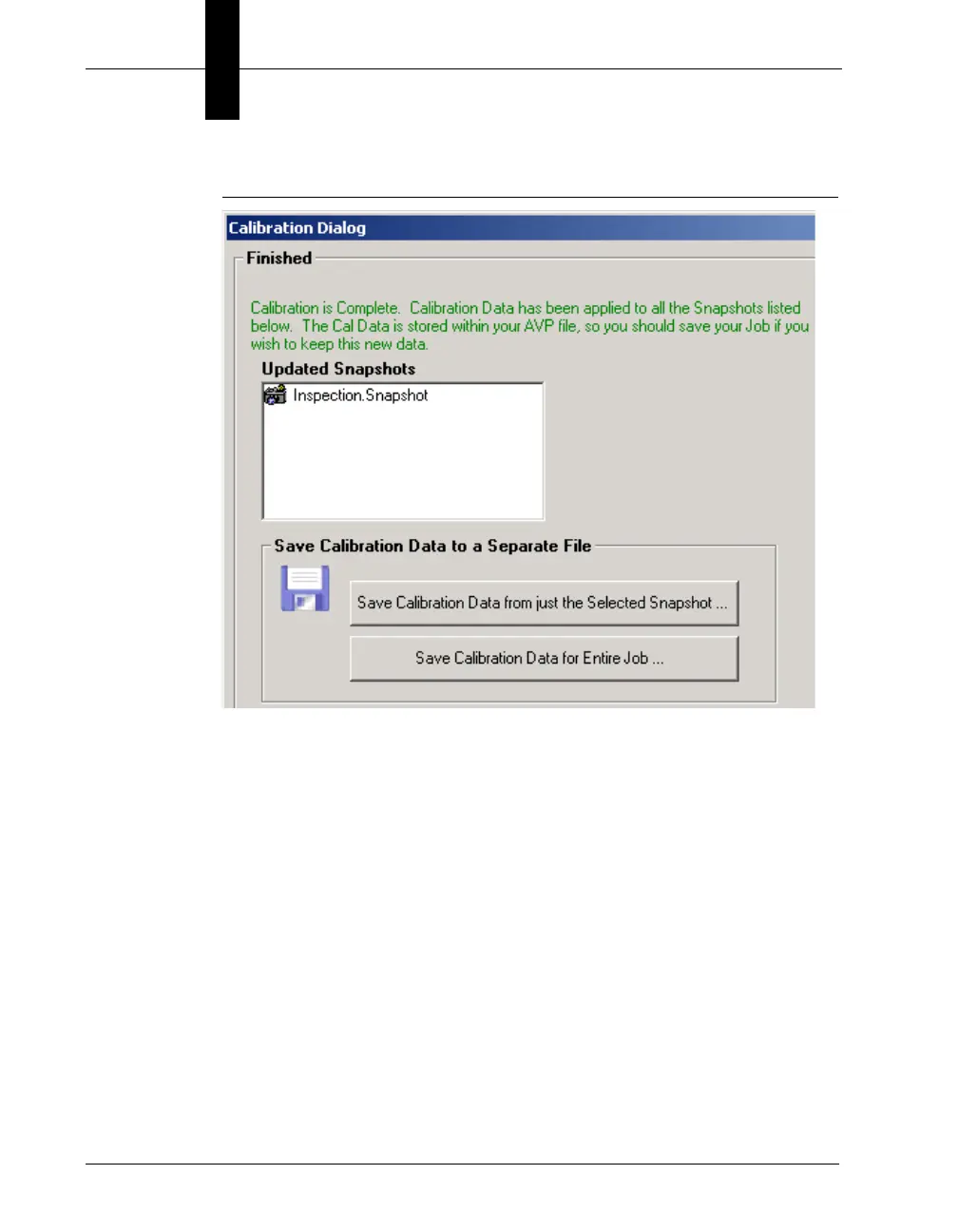
FIGURE 3–13. Calibration Finished
5. Select either of the Save options:
– Save Calibration Data from just the Selected Snapshot — This
button allows you to save the calibration data for just the
Snapshot that you just calibrated. Then, this data can be
reloaded into any other Snapshot step in this Job or any other
Job by using the Load Calibration Data From File option on the
main Calibration page.
If you select this save option, FrontRunner™ displays the Save
Calibration from Current Snapshot dialog box. Type in a file
name. Click Save, and then click Finished.
– Save Calibration Data for Entire Job — This button saves the
calibration data from every Snapshot in your Job to a single file.
Then, this data can be reloaded into this Job or some other Job
using the Load Calibration Data From File option on the main



 To Next Page