Using Previously Saved Calibration Data
Camera Calibration
3
v4.1.3, April 2012 Visionscape FrontRunner™ User’s Manual 3-19
6. Under “Select the Camera to Calibrate,” highlight (to select) a
camera.
7. Click Next.
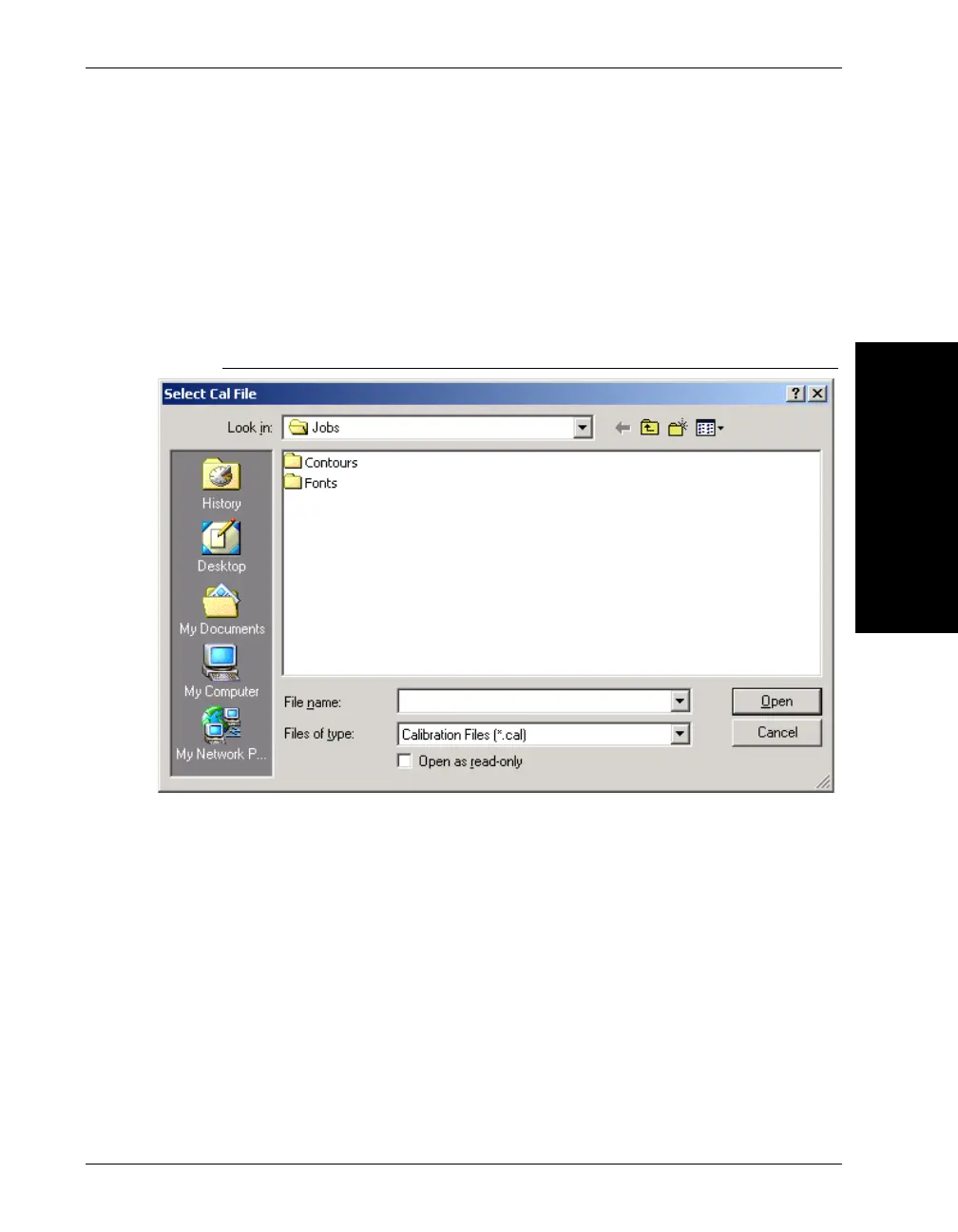
FrontRunner™ displays the Select Cal File dialog box, as shown in
Figure 3–15.
FIGURE 3–15. Cal File Dialog Box
8. Highlight (to select) a calibration file (.cal) and click Open.
FrontRunner™ displays the Calibration Finished screen.
9. Click Finished.
10. Save your Job.
Your Job now contains the calibration data your saved previously.



 To Next Page