Chapter 4 The Part Queue
4-12 Visionscape FrontRunner™ User’s Manual v4.1.3, April 2012
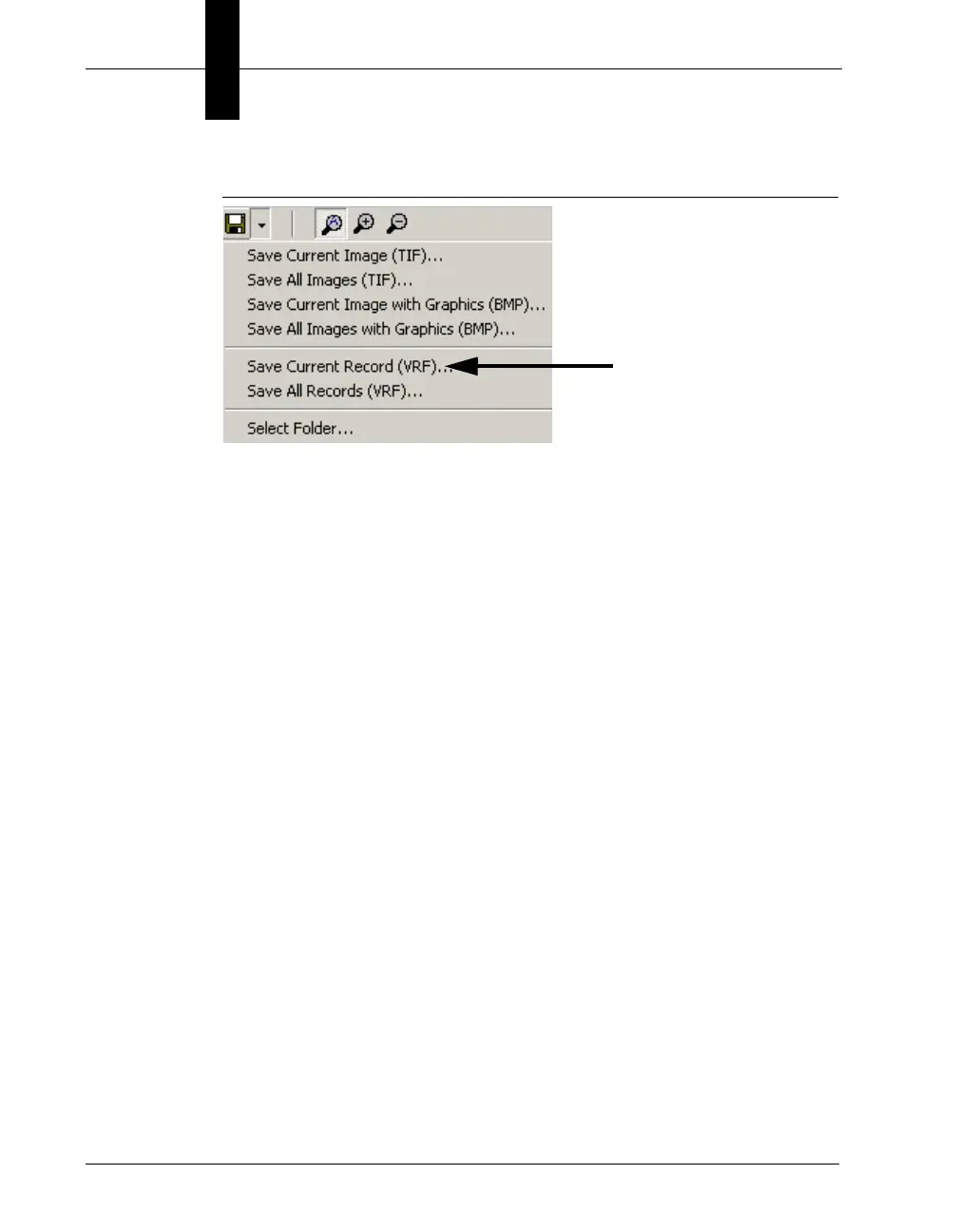
FIGURE 4–13. Save Current Record
FrontRunner™ displays the Select Current Record dialog box.
2. Select a folder and click Save.
FrontRunner™ saves the record in the folder you specified. The file
name format is similar to the following:
Insp1_000015643.vrf
Figure 4–14 shows record information for an inspection.



 To Next Page