Chapter 4 The Part Queue
4-14 Visionscape FrontRunner™ User’s Manual v4.1.3, April 2012
FrontRunner™ displays the Select Folder to Save All Q Records
dialog box.
2. Select a folder and click OK.
FrontRunner™ saves all records in the folder you specified.
Selecting the Default Folder Location
Use the following procedure to select the default folder location:
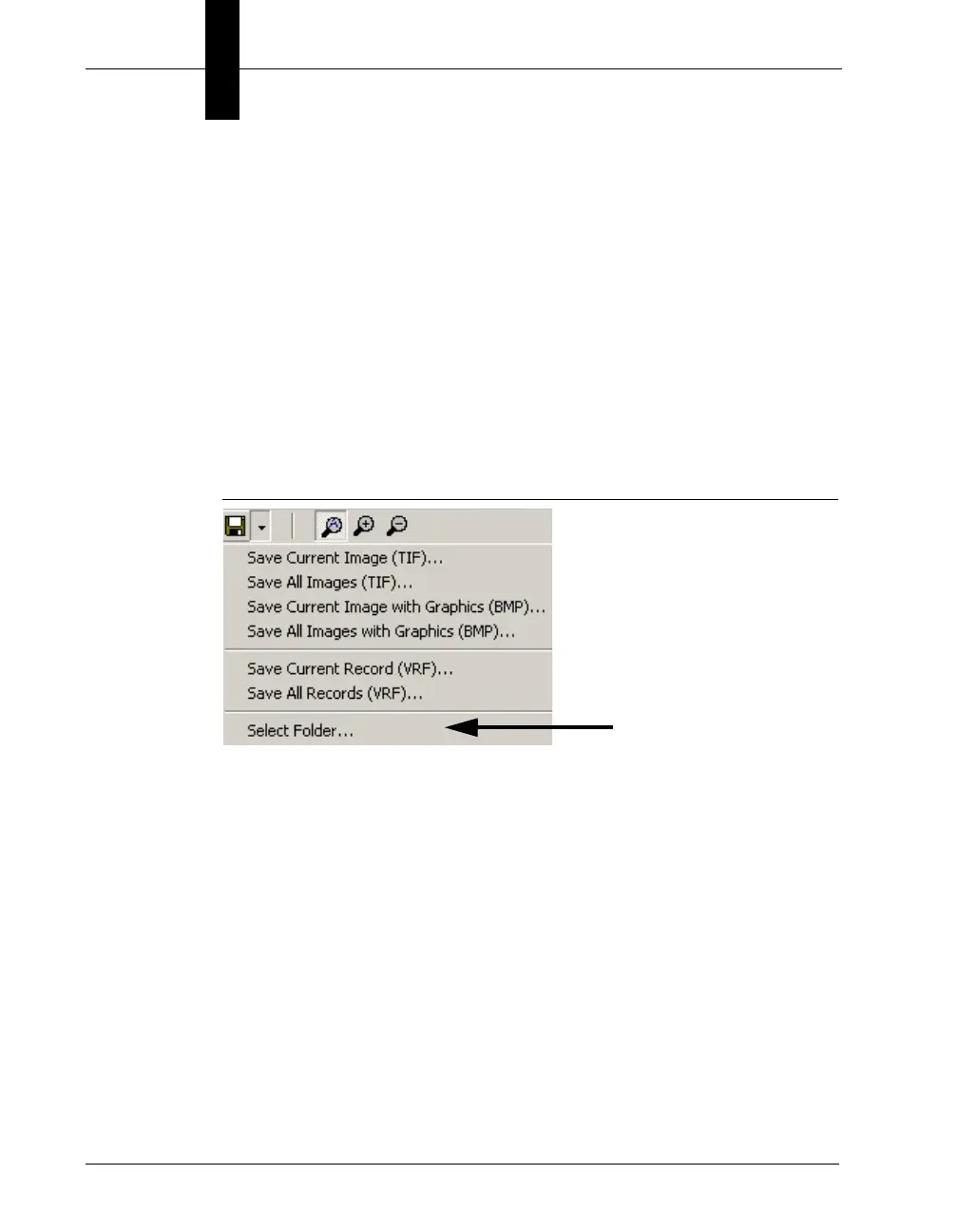
1. From the Save drop down menu, click Select Folder, as shown in
Figure 4–16.
FIGURE 4–16. Select Folder
FrontRunner™ displays the Select Default Folder Location dialog
box.
2. Select a folder and click OK.
FrontRunner™ selects the default folder.



 To Next Page