Appendix A Creating a Good Image
A-10 Visionscape FrontRunner™ User’s Manual v4.1.3, April 2012
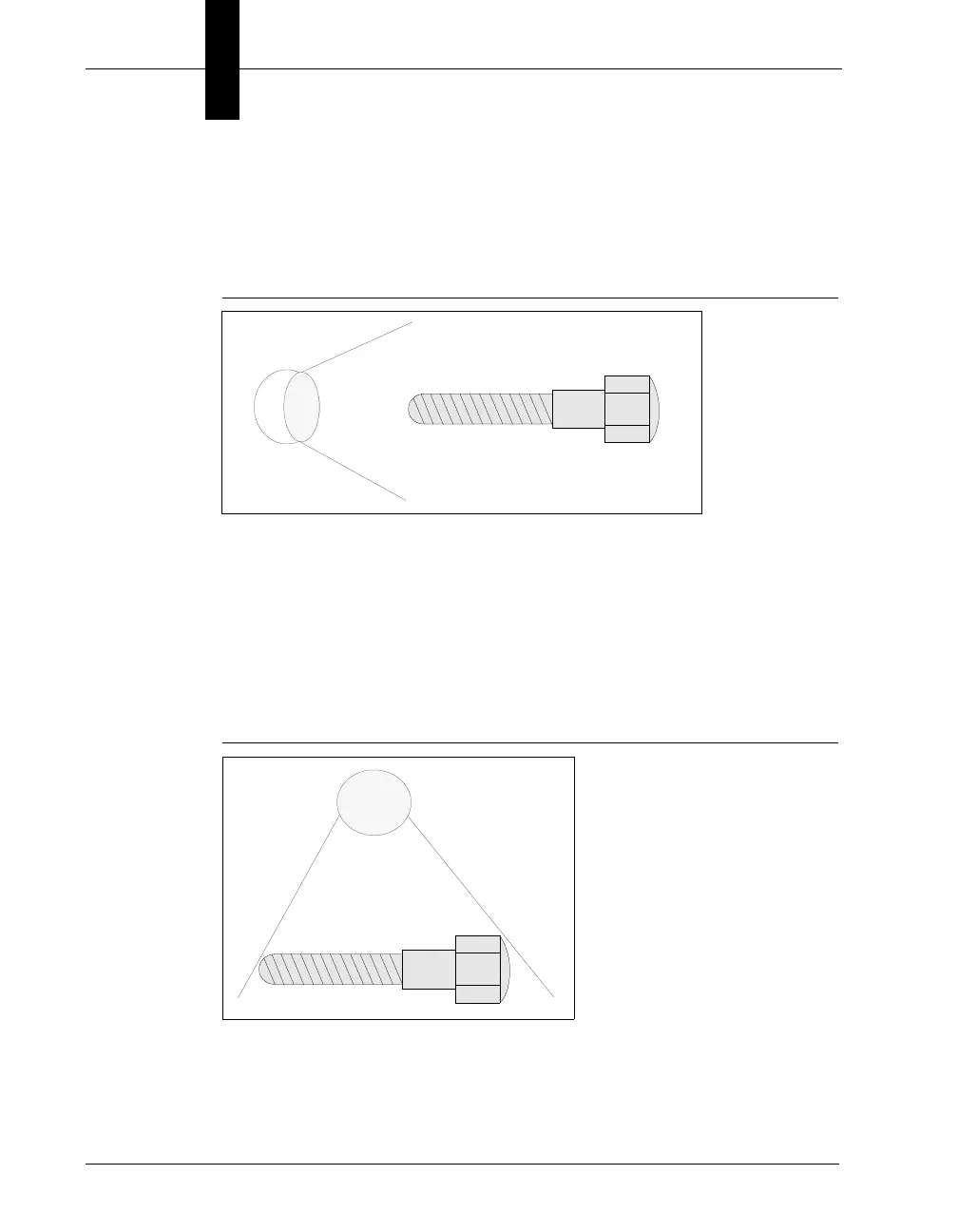
Side Lighting (dark field)
Side lighting helps to highlight three-dimensional features and surface
imperfections, and reveals subtle details, as shown in Figure A–7.
FIGURE A–7. Side Lighting
Back Lighting
Back lighting helps in the inspection of silhouettes, for example, the outer
edges of a part. It enhances the contrast between the part and the
background. Think of contrast as the grayscale difference between two
areas. Back lighting is helpful in the inspection of holes, cutouts, and
outline dimensions, as shown in Figure A–8.
FIGURE A–8. Back Lighting



 To Next Page