Chapter 2 FrontRunner™
2-16 Visionscape FrontRunner™ User’s Manual v4.1.3, April 2012
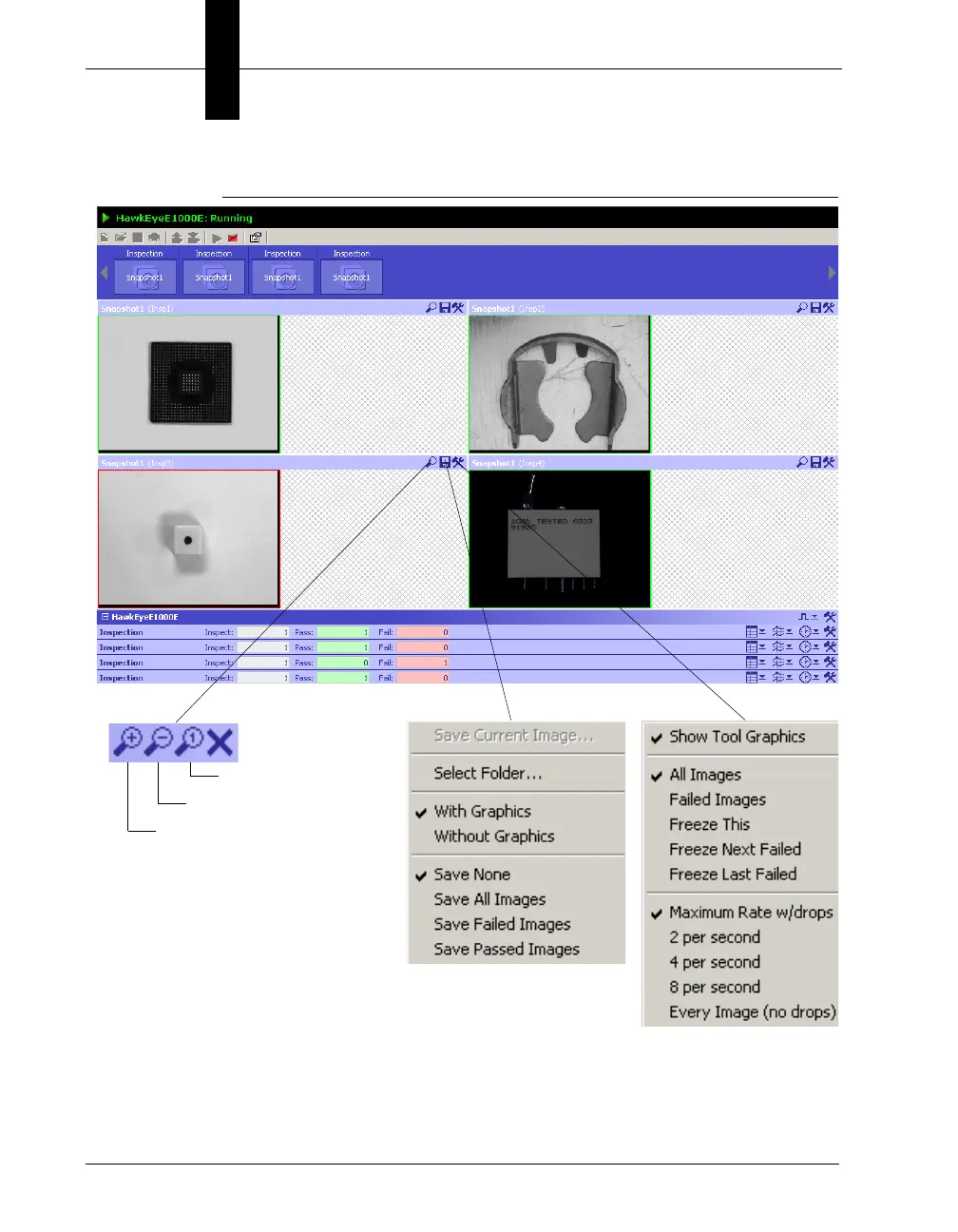
FIGURE 2–7. Four Snap Views, Zoom Buttons and Drop-Down Menus
• Save Current Image — Saves the current image as either a .tif file or
a .bmp file. You will be prompted to specify a file name. You can
specify where the file will be saved.
Zoom to actual size
Zoom out
Zoom in



 To Next Page