Chapter 2 FrontRunner™
2-34 Visionscape FrontRunner™ User’s Manual v4.1.3, April 2012
c. In the Settings dialog box, click the Timing tab, and then click
on the Enable Step Timing check box.
d. Close the Settings dialog box.
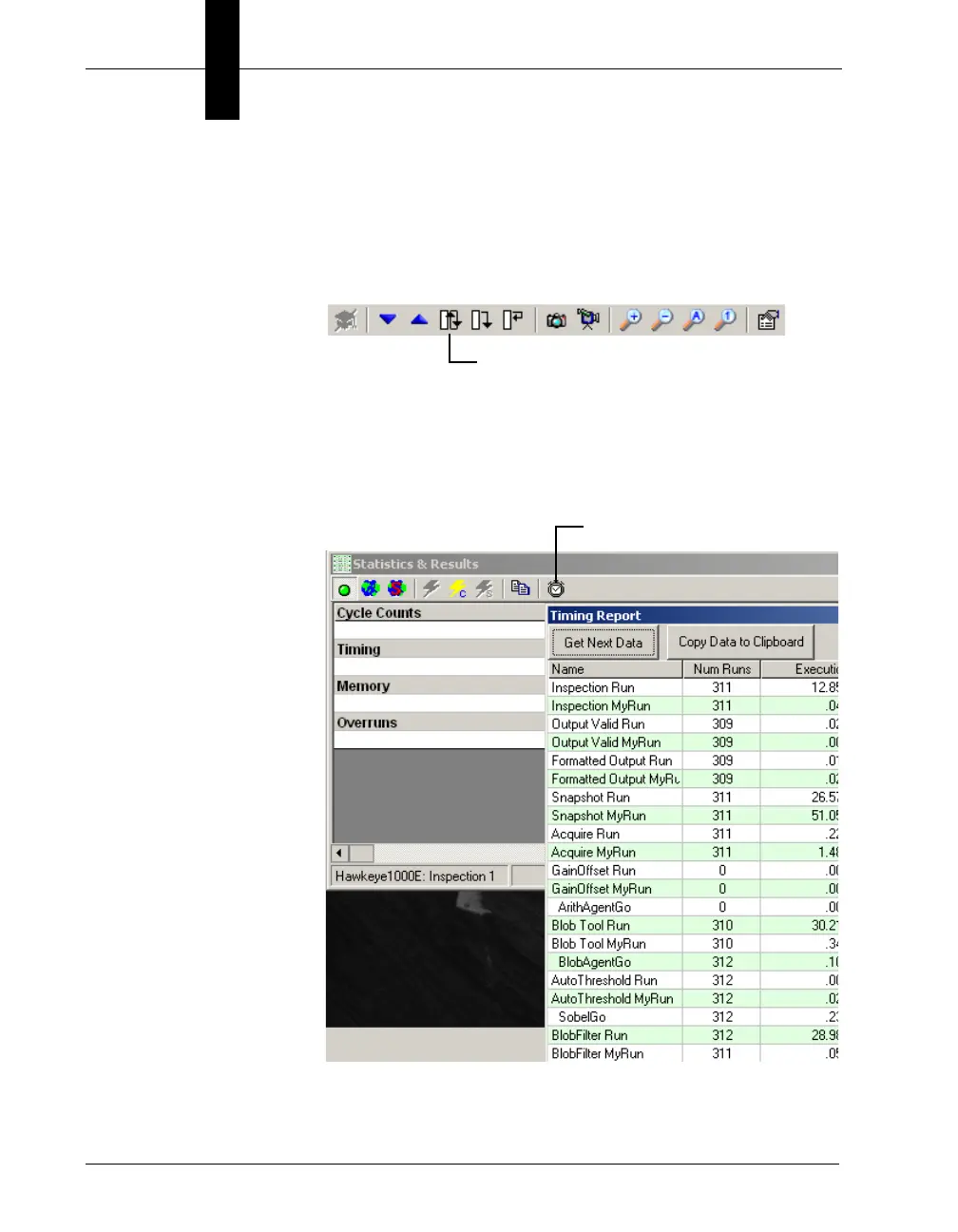
e. Tryout your Job by clicking Tryout Program on PC in a Loop:
f. Click the Reports button to display the Statistics and Results
window. Notice that FrontRunner™ has added the Show
Timing Report button to the Statistics and Results window.
Click the Show Timing Report button to display the Timing
Report:
• Windows Toolbar — This toolbar is displayed only when you are
connected to a device that is stopped and a Job is loaded into
Tryout Program on PC in a Loop



 To Next Page