Chapter 2 FrontRunner™
2-40 Visionscape FrontRunner™ User’s Manual v4.1.3, April 2012
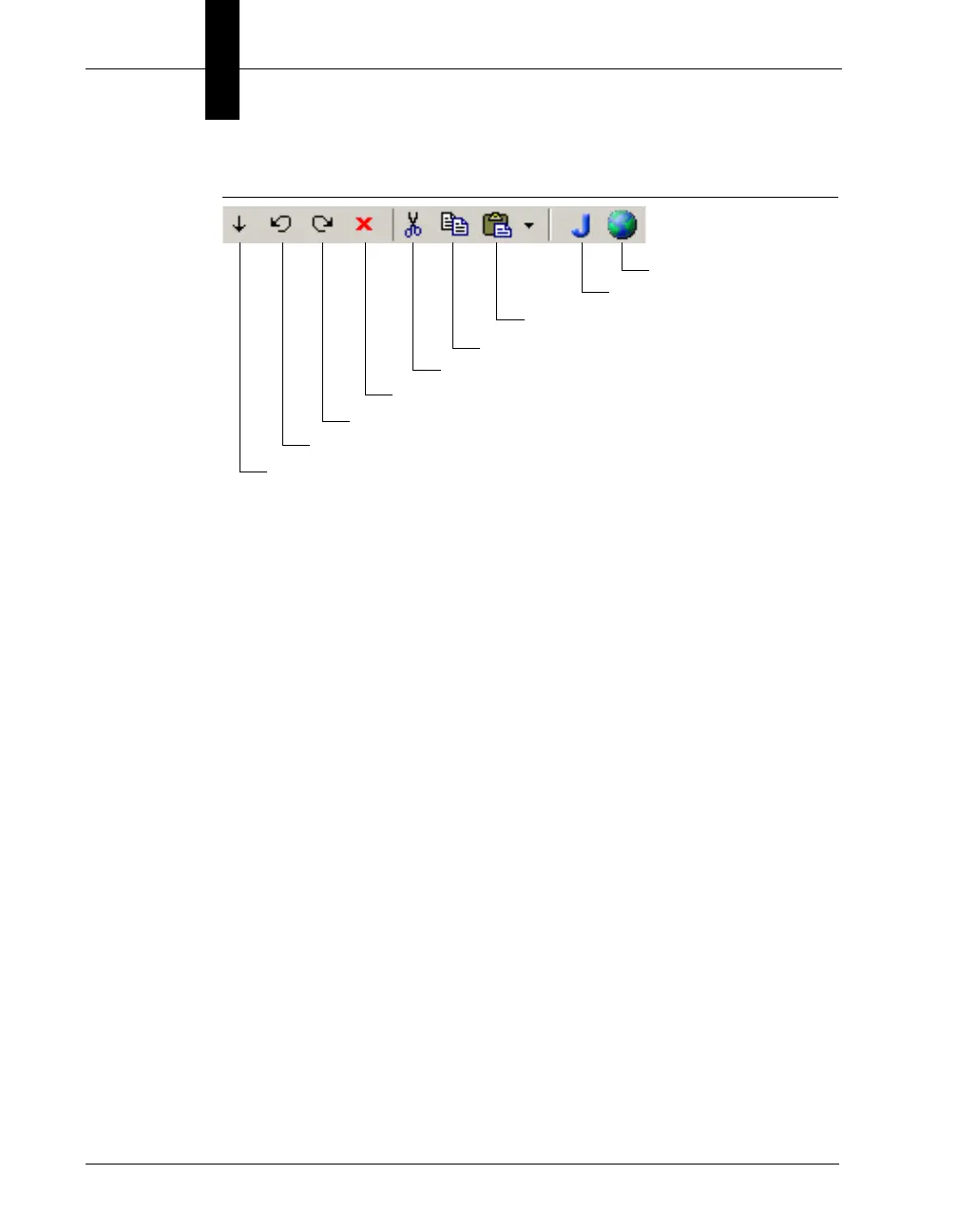
FIGURE 2–18. Editor Window Buttons
• Insert a tool (into, before, after) the currently selected Step — After
you click one of these buttons, FrontRunner™ displays the Insert
Step dialog box. Highlight the tool you want to insert and click OK.
FrontRunner™ inserts the tool into the Job.
• Delete the currently selected Step — FrontRunner™ deletes the
currently selected step. FrontRunner™ will display a dialog box to
which you must respond. Click Yes to delete the selected step;
otherwise, click No.
• Cut — FrontRunner™ cuts the currently selected step.
FrontRunner™ will display the Delete Step dialog box. To cut the
selected step, click OK; otherwise, click Cancel.
• Copy — FrontRunner™ copies the currently selected step.
• Paste — FrontRunner™ pastes the currently selected step. The drop
down menu contains the following items:
– Paste Into
– Paste Before
– Paste After
• Job View — Displays all the Vision System Steps you have loaded.
• Part Tree View — Displays advanced parameters for calibration.
Part Tree View
Job View
Paste
Copy
Cut
Inset a tool after the currently selected Step
Inset a tool before the currently selected Step
Inset a tool into the currently selected Step
Delete the currently selected Step



 To Next Page