Windows You’ll See In FrontRunner™
FrontRunner™
2
v4.1.3, April 2012 Visionscape FrontRunner™ User’s Manual 2-41
The Reports Window
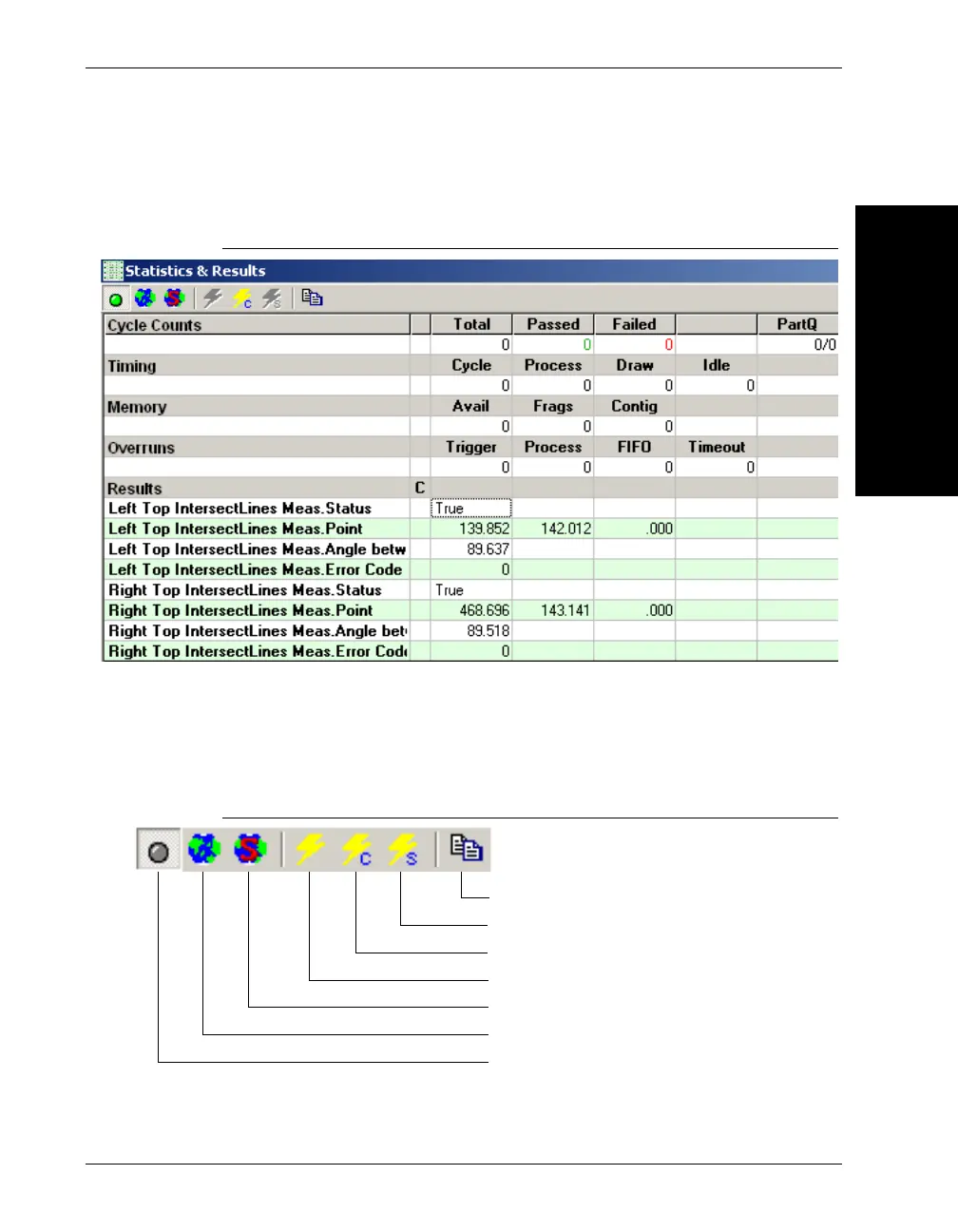
FIGURE 2–19. Reports Window
This window displays the results that you selected for upload in the
Inspection Step’s Select Results to Upload datum. It displays inspection
counts, overruns, and memory statistics. The Reports window contains
the following buttons:
FIGURE 2–20. Statistics and Report Window Buttons
Display extended results
Show results in World (calibrated) space
Show all statistics in World (calibrated) space
Reset all counters and statistics
Reset inspection counters
Reset all statistics
Copy result data to Clipboard



 To Next Page