Color Image Display Options
FrontRunner™
2
v4.1.3, April 2012 Visionscape FrontRunner™ User’s Manual 2-59
Color Image Display Options
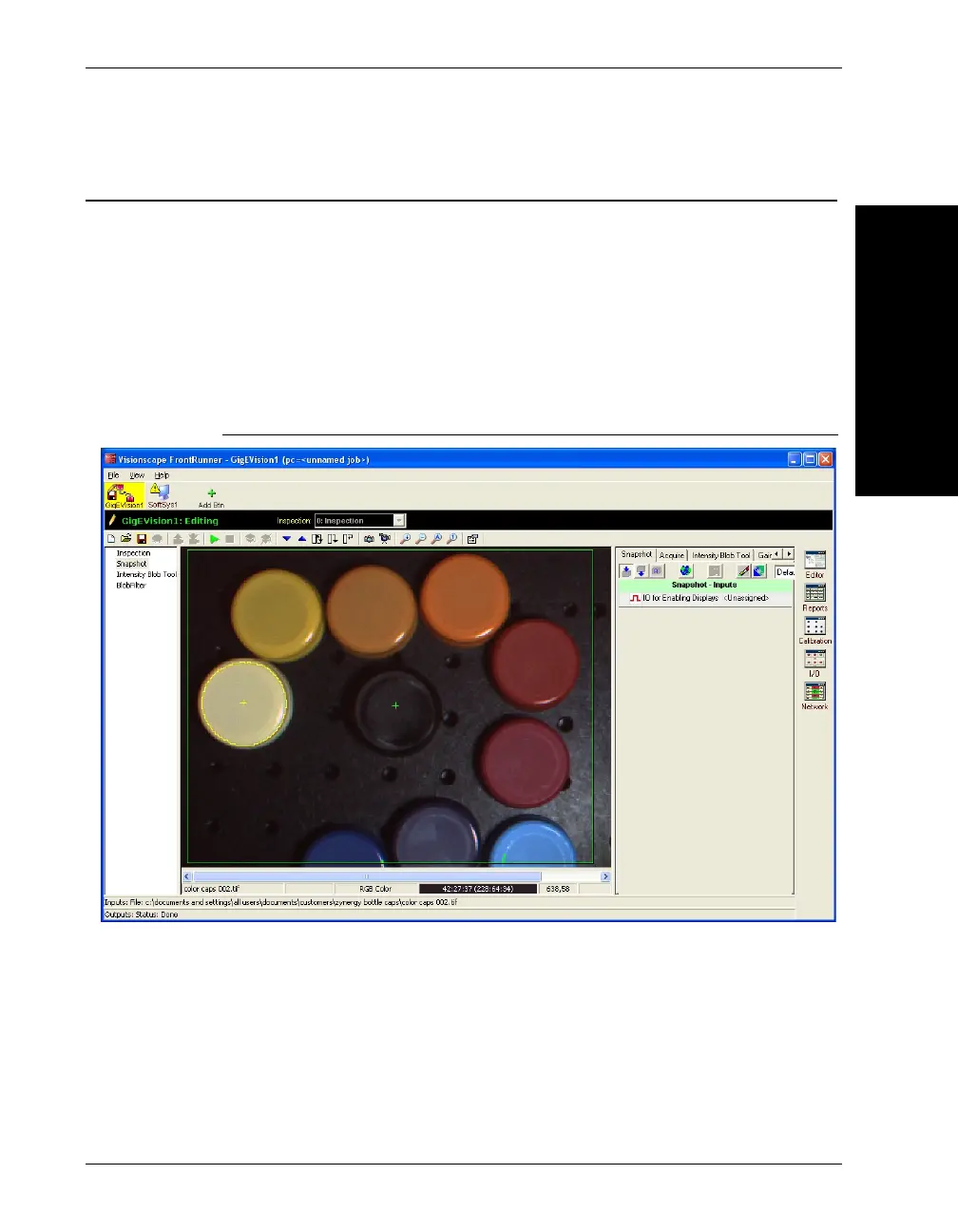
Color Image Display in FrontRunner
The snapshot step shows the color image as acquired from the camera.
The buffer manager control in FrontRunner shows both the RGB and HSI
(red = 0) values under the cursor if the image acquired is a color image.
Zooming fully into the image will show the individual RGB values for each
pixel of a color image.
FIGURE 2–25. Color Buffer Display of Zoomed Image



 To Next Page