Chapter 2 FrontRunner™
2-60 Visionscape FrontRunner™ User’s Manual v4.1.3, April 2012
Running Color Plane Selection
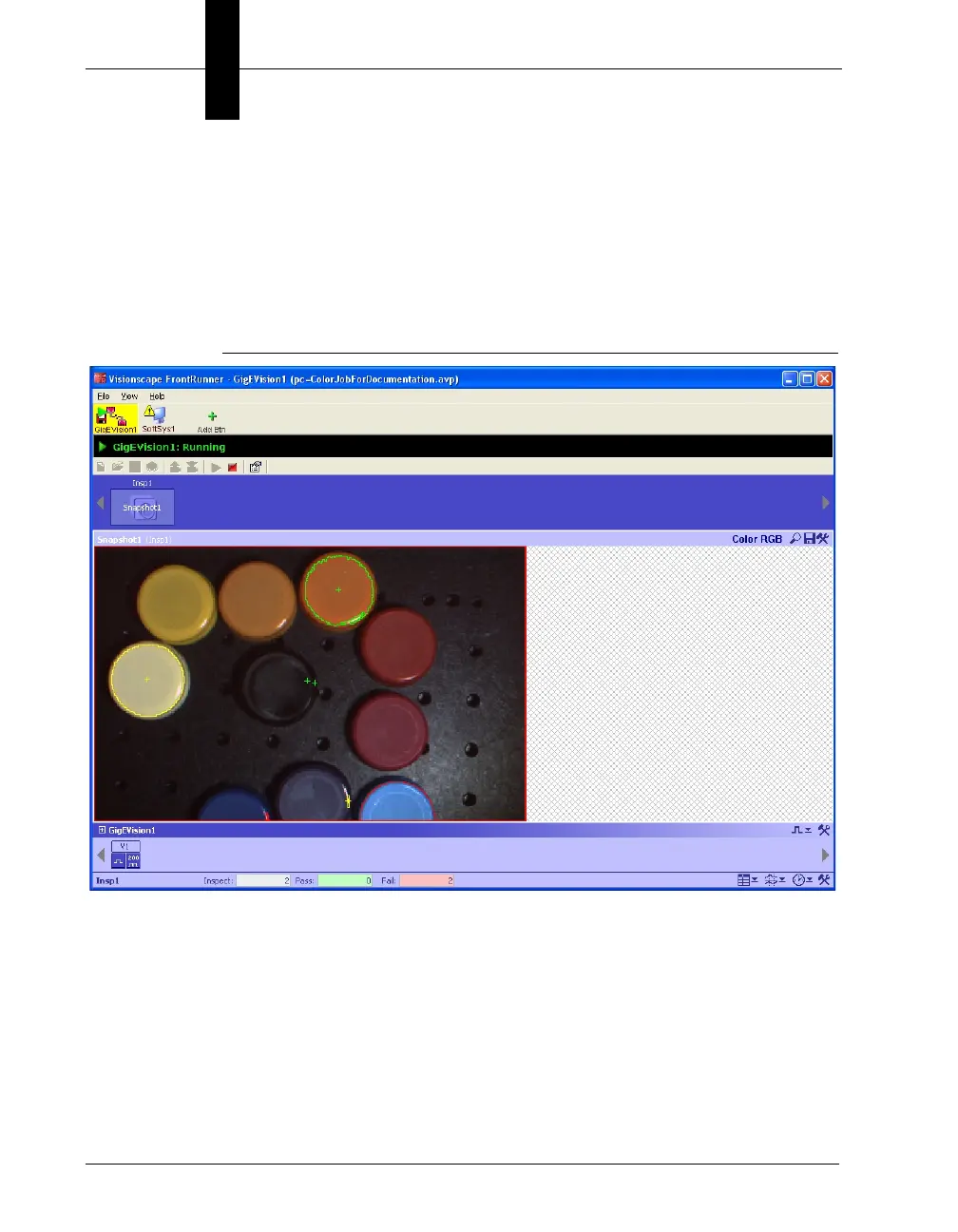
When using a color camera, the upper right of the image display will
include the text of the current image plane displayed. The default with be
the RGB color image. Channel selection will be limited to those channels
used by vision tools that are inserted in the current snapshot.
FIGURE 2–26. Runtime Displaying Color Image



 To Next Page