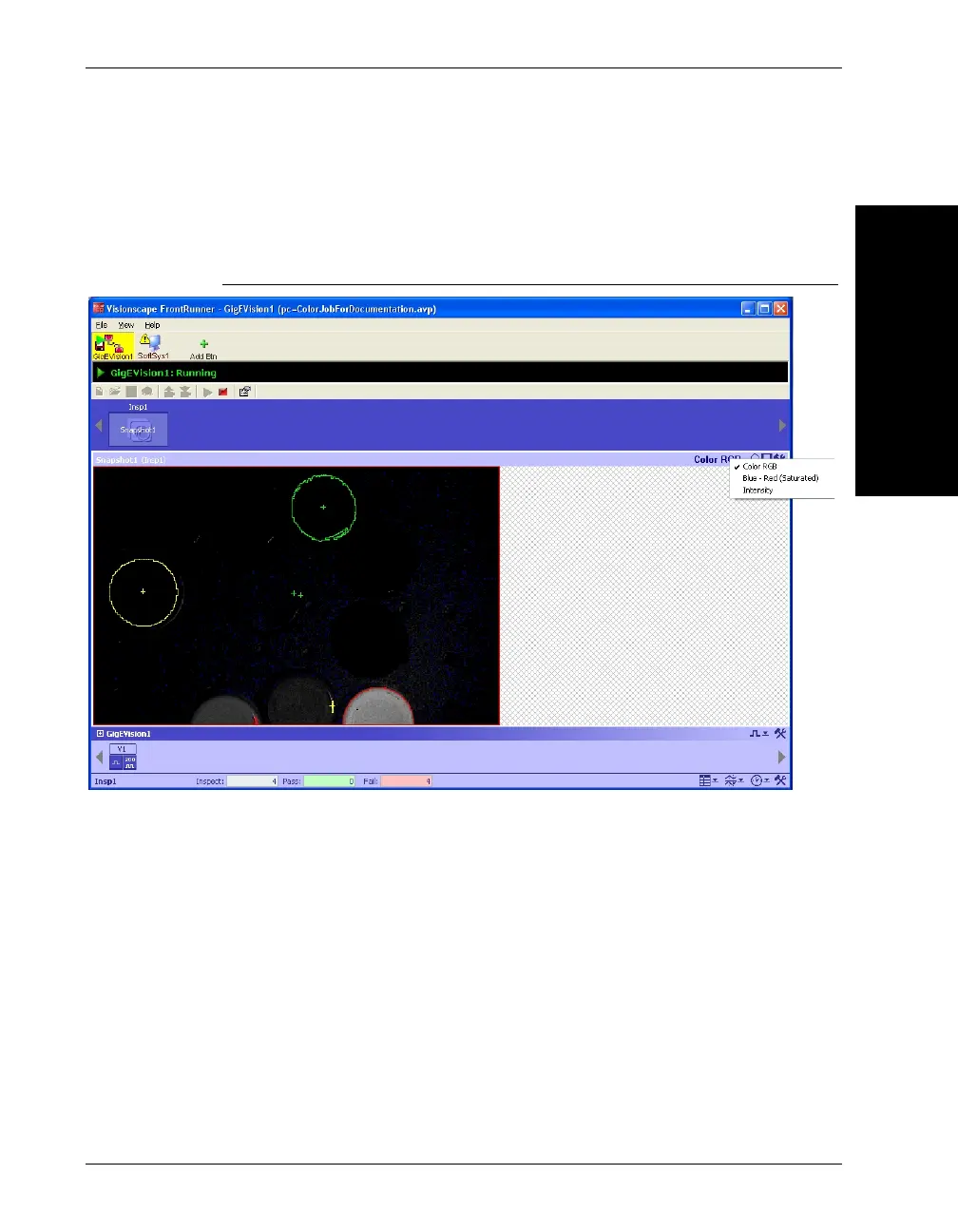
Color Image Display Options
FrontRunner™
2
v4.1.3, April 2012 Visionscape FrontRunner™ User’s Manual 2-61
When the user selects the “RGB Color” text a dropdown menu will
appear, allowing the user to select from the image channels used in the
job.
FIGURE 2–27. Runtime Image Channel Selection Dialog



 To Next Page