Color Image Display Options
FrontRunner™
2
v4.1.3, April 2012 Visionscape FrontRunner™ User’s Manual 2-63
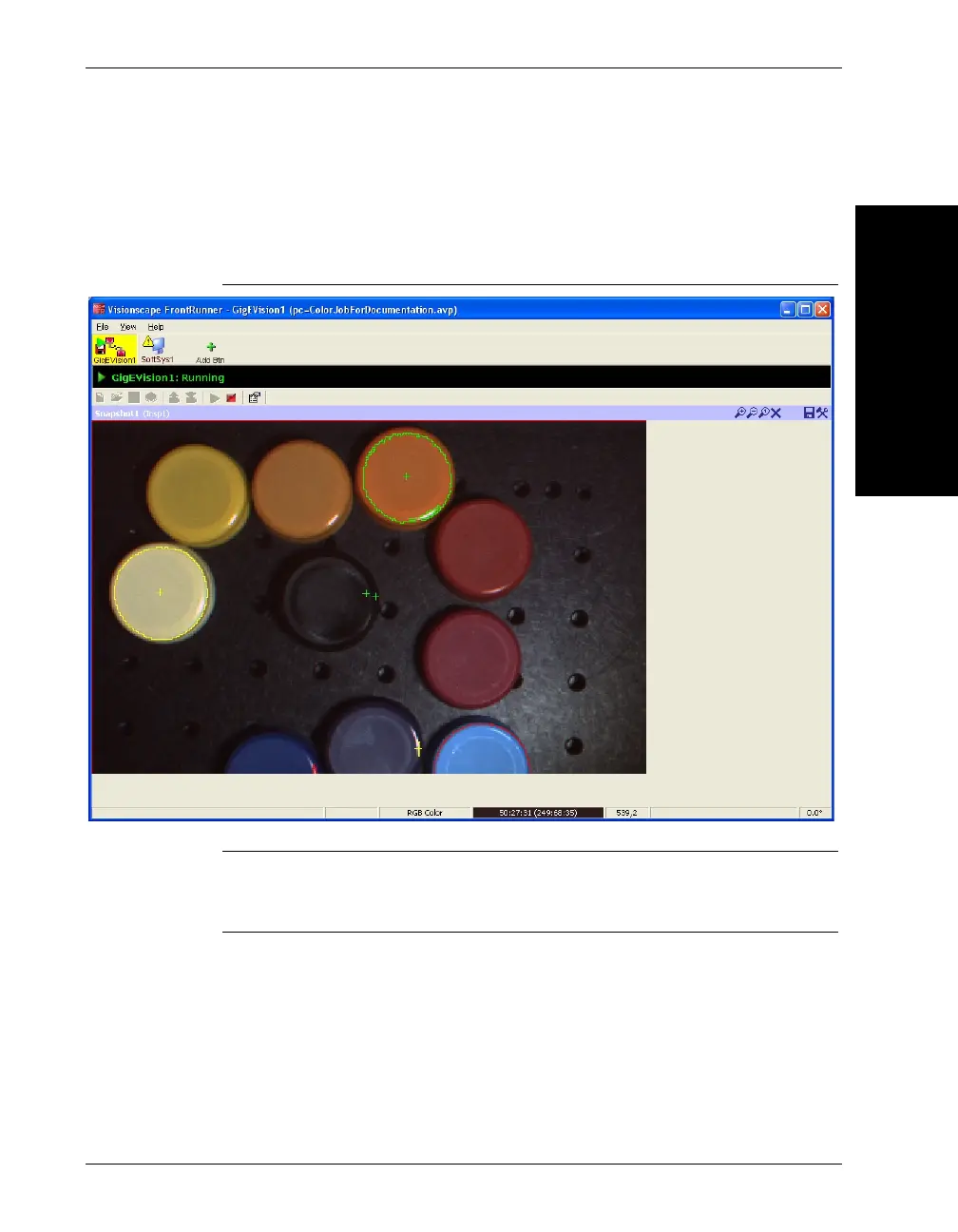
Finally, if the user clicks on the magnifying glass icon to zoom the image
the name of the image channel zoomed will appear in the image status
bar next to the pixel value and location.
FIGURE 2–29. Zoom Options with Color Runtime Display
Note: The user will be able to select what image channel to display but
ALL the enabled graphics for the job will be displayed regardless of which
plane they are running in.



 To Next Page