Chapter 3 Camera Calibration
3-2 Visionscape FrontRunner™ User’s Manual v4.1.3, April 2012
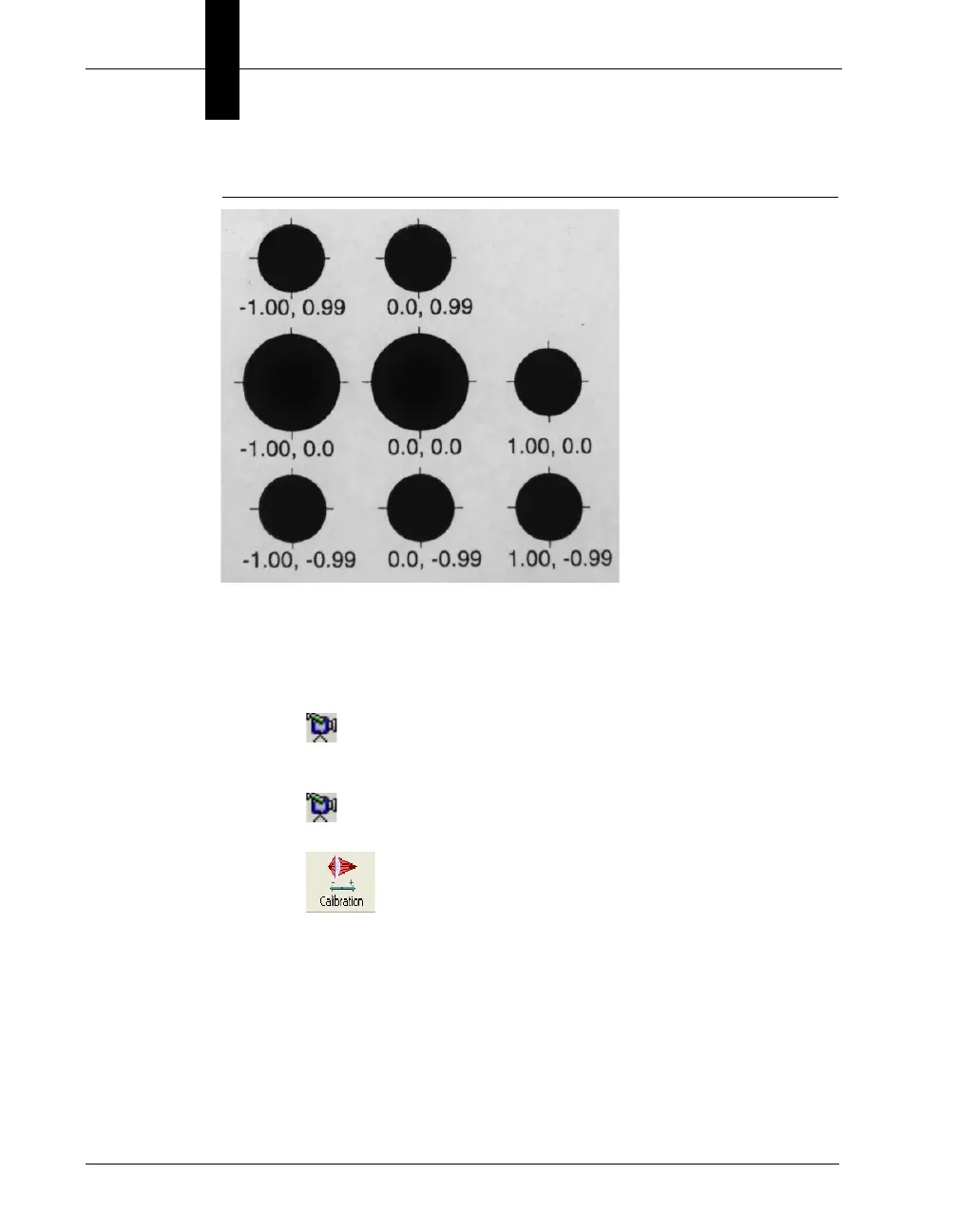
FIGURE 3–1. Calibration Target
Use the following procedure to robustly calibrate a camera:
1. Create your Job.
2. Place the calibration target under the camera.
3. Click
4. Adjust the exposure and focus.
5. Click again.
6. Click
FrontRunner™ displays the Calibration dialog box, as shown in
Figure 3–2.



 To Next Page