Using Robust Calibration
Camera Calibration
3
v4.1.3, April 2012 Visionscape FrontRunner™ User’s Manual 3-3
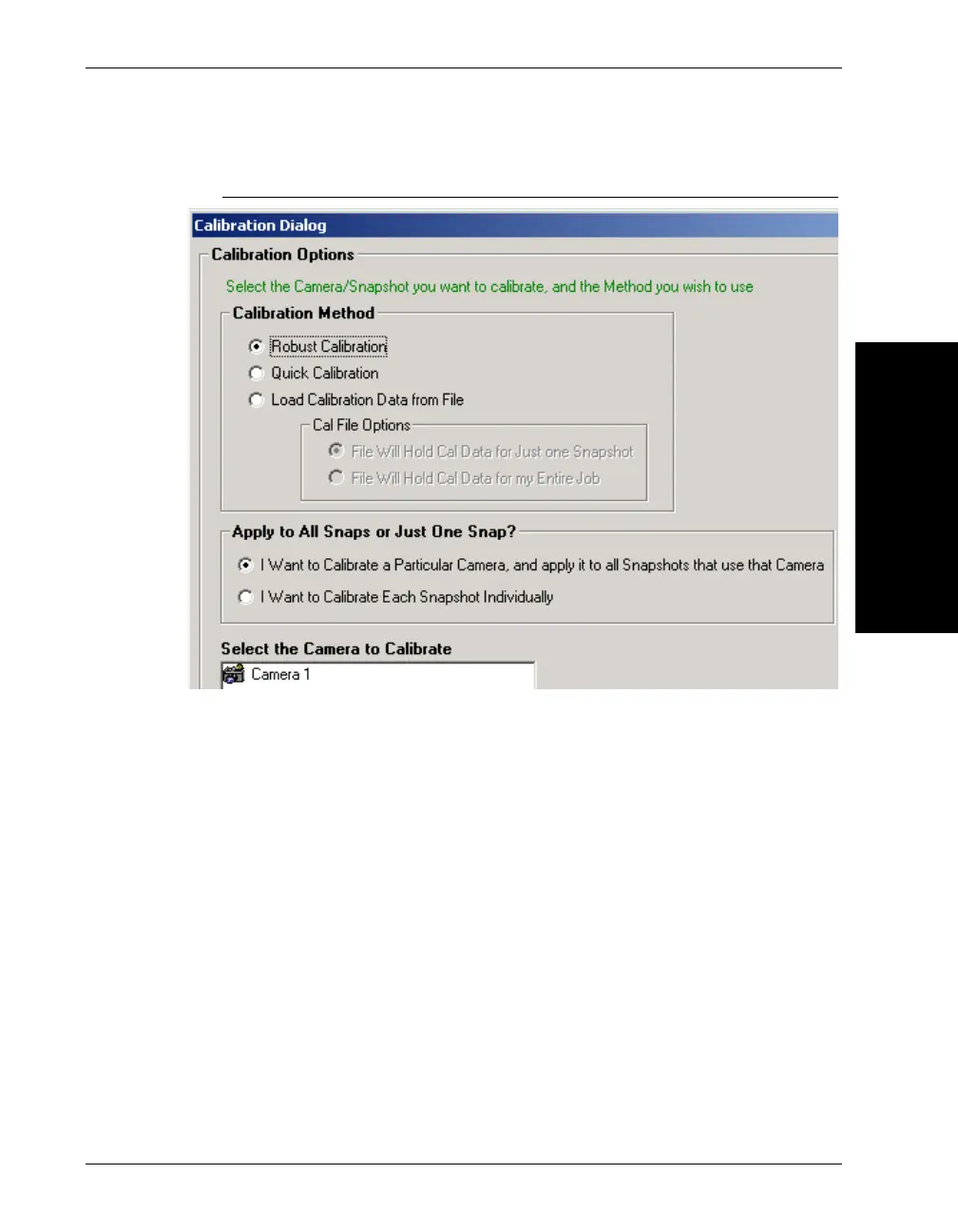
FIGURE 3–2. Calibration Dialog Box
7. Under “Calibration Method,” select Robust Calibration.
8. Under “Apply to All Snaps or Just One Snap,” select either of the
following:
– I Want to Calibrate a Particular Camera, and apply it to all
Snapshots that use that Camera — You may have a Job that
contains many Inspections and many Snapshots. Many of those
Snapshots may reference the same camera channel. In this
case, using this option, you can calibrate just one of the Snapshot
steps, and the results are applied to all Snapshot steps that use
the same camera. Thus, you do not have to calibrate each
Snapshot individually.
– I Want to Calibrate Each Snapshot Individually — With this
option, calibration is only applied to the Snapshot step that you
select.



 To Next Page