CHAPTER I General Exposition
P 11
(a) Be sour the AC input voltage selecter on the rear panel, power supply is set
to the proper position (AC 115 or 230V)
(b) Connect the converter and DUT cable
(c) Turn on the power the system will process self –test
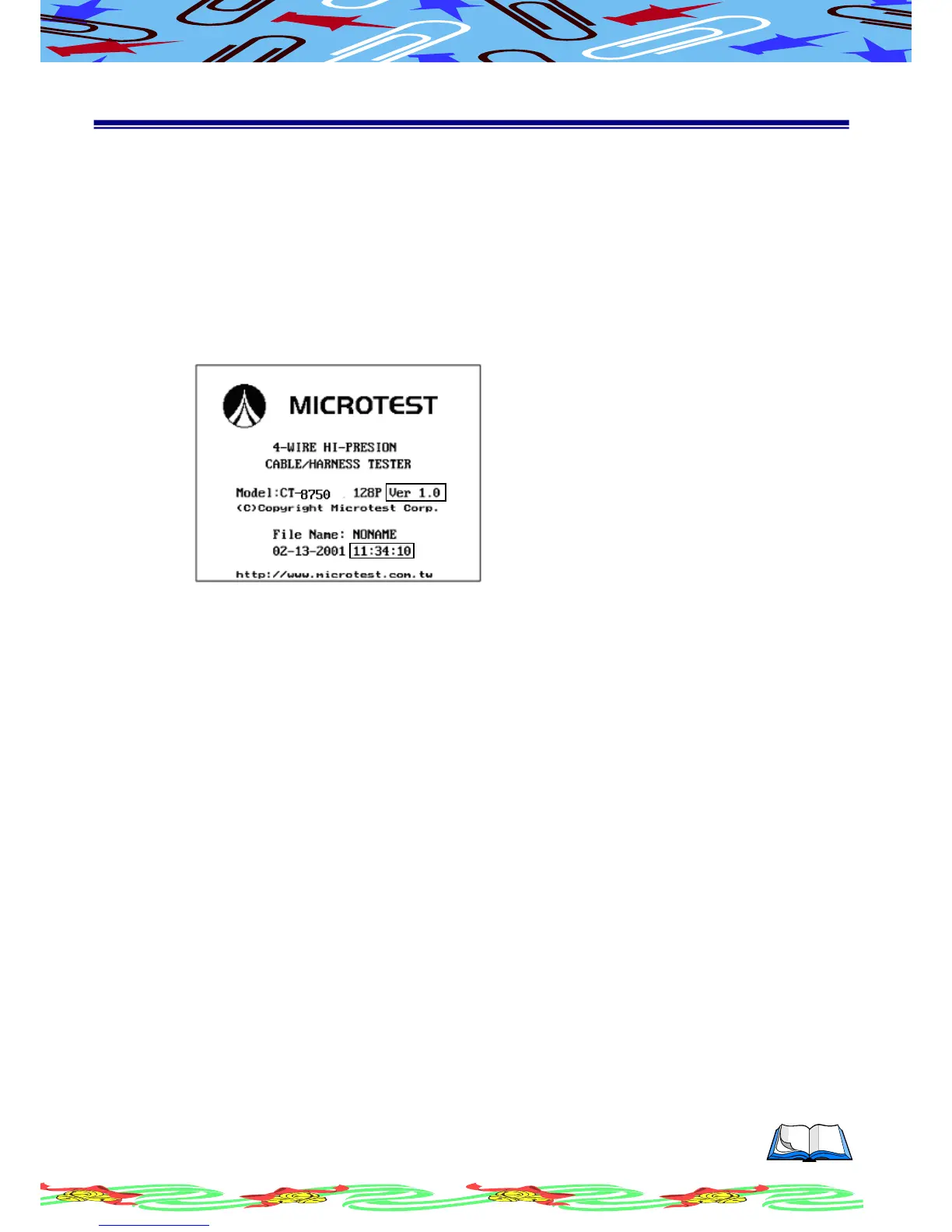
(d) After self-test, LCD will display the READY SCREEN as below
Software Version
Current Time
(e) Press power switch to turn the system off if needed
The self-test will be conducted right after the system is turned on. It will
take 60~80 seconds.
At the {READY} status, (Ready Screen display), Softkey S1 to S6 have the
following functions.
S1 Higher LCD contrast
S2 Lower LCD contrast
S5 Display current software version and time
S6 Select English/Chinese
Syskey Group
[Func] Function Menu
[Sys] System Configuration Menu
[Print] Printing Menu
Fastkey Group
[O/S] Display the Open/Short Status
[Learn] Open/Short Auto Learning



 To Next Page